
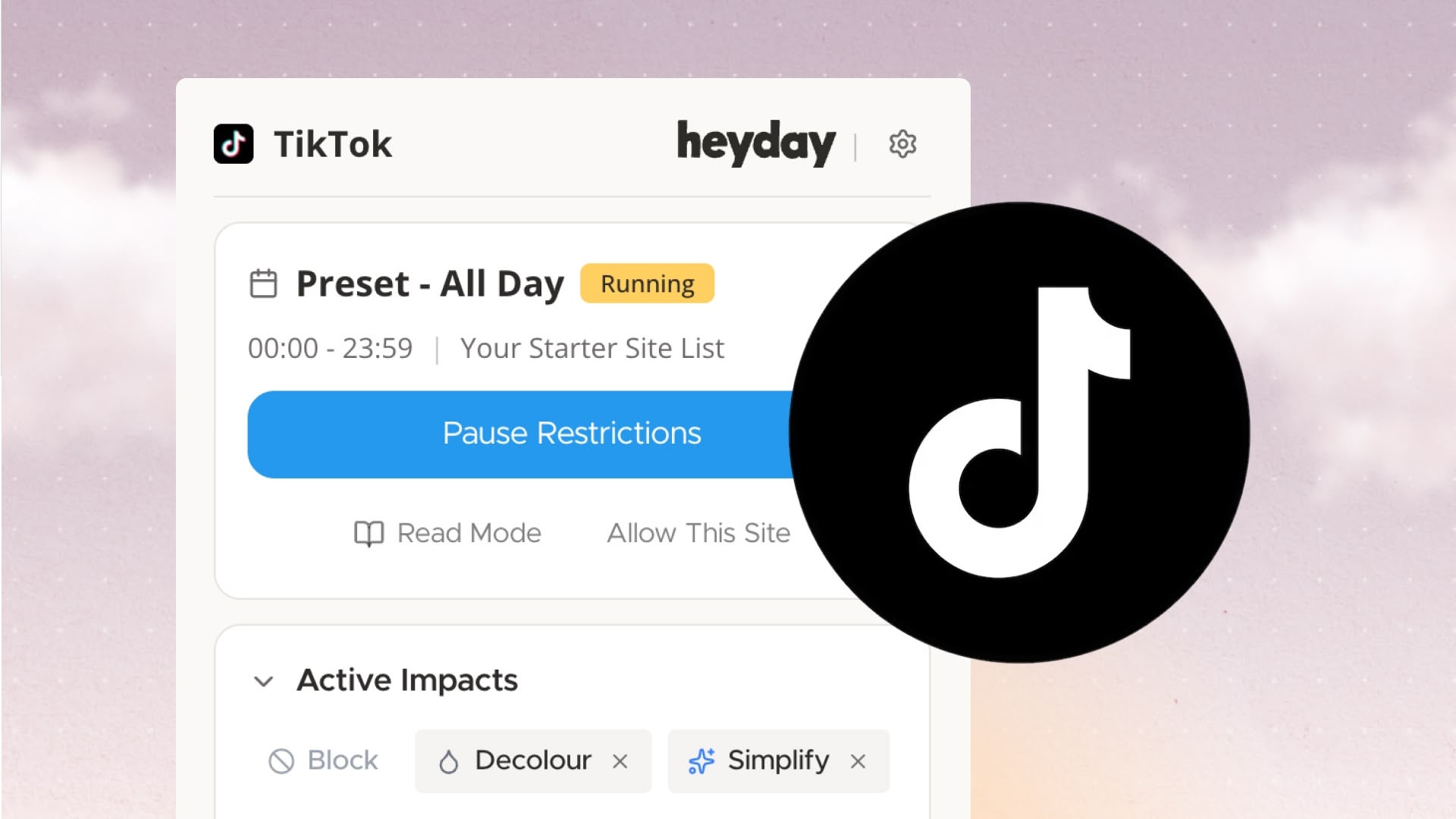
Never get distracted checking your TikTok messages again!
Open call to share your thoughts on what tools can help those with ADHD thrive and what needs to be built
Read more
More control over how Heyday works and helps you focus, plus a few bug fixes
Read more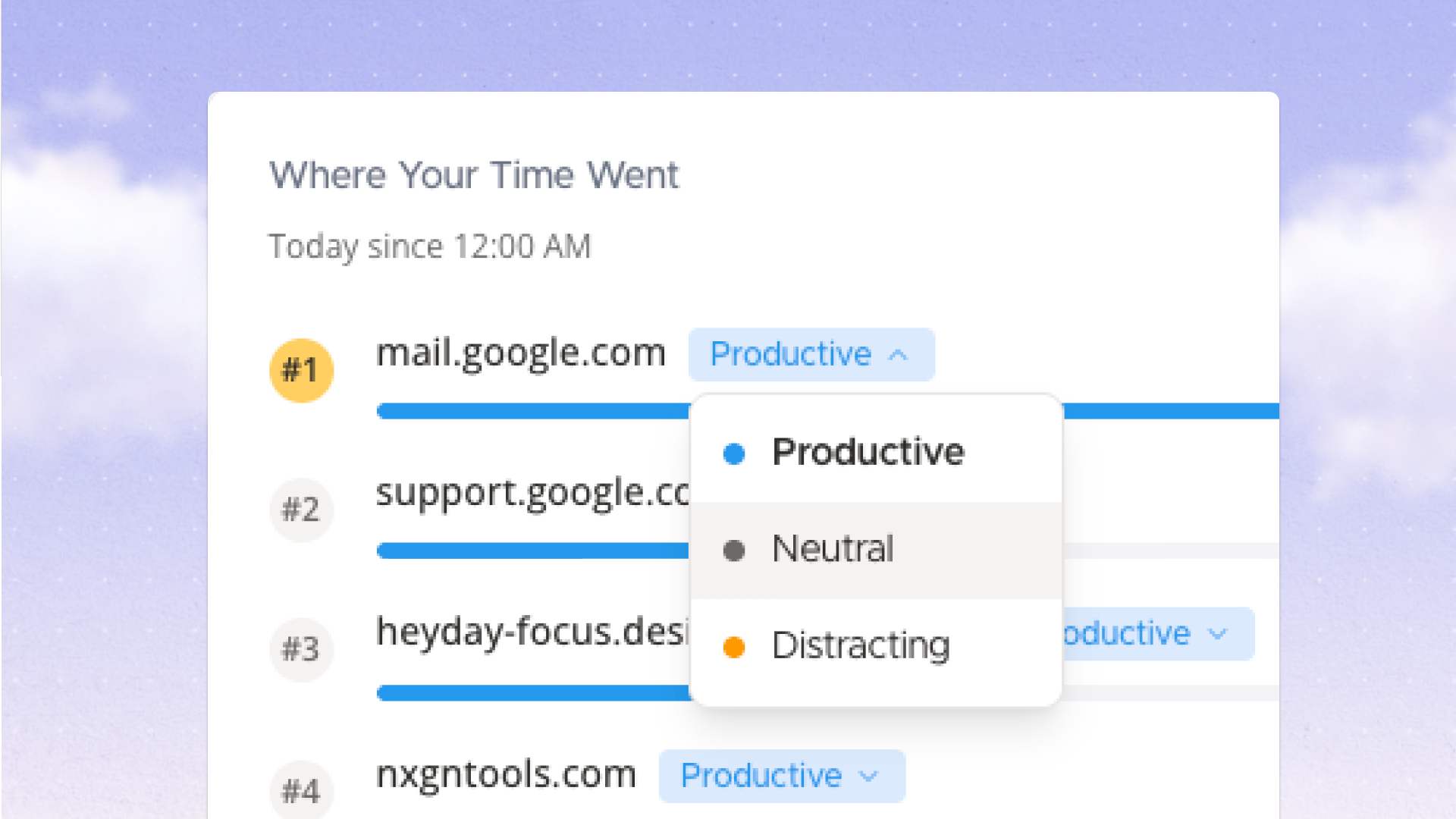
Step-by-step guide to install, configure, and combine a greyscale extension for Chrome to reduce digital eye strain and limit dopamine-driven browsing.
Read more
Same features. Same philosophy. Remove feeds, apply grayscale, set schedules on Edge browser without blocking sites entirely.
Read more
We rebuilt the dashboard to show you where your time actually goes, improved onboarding so you don't miss key features, and added sensible defaults so Heyday works better out of the box.
Read more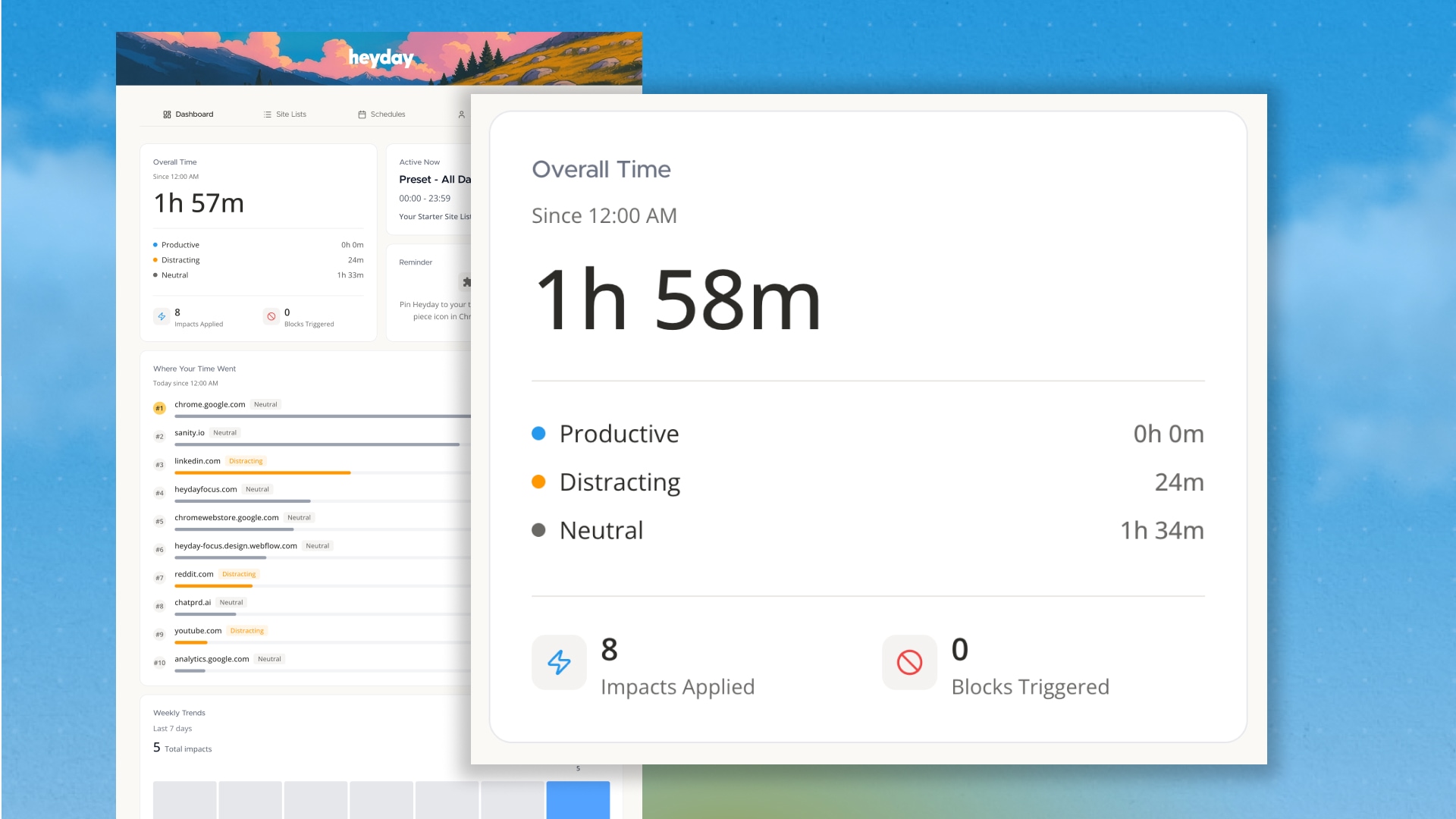
Watch what you want without falling into rabbit holes. Learn how to remove YouTube Shorts, homepage recommendations, Shorts and autoplay.
Read more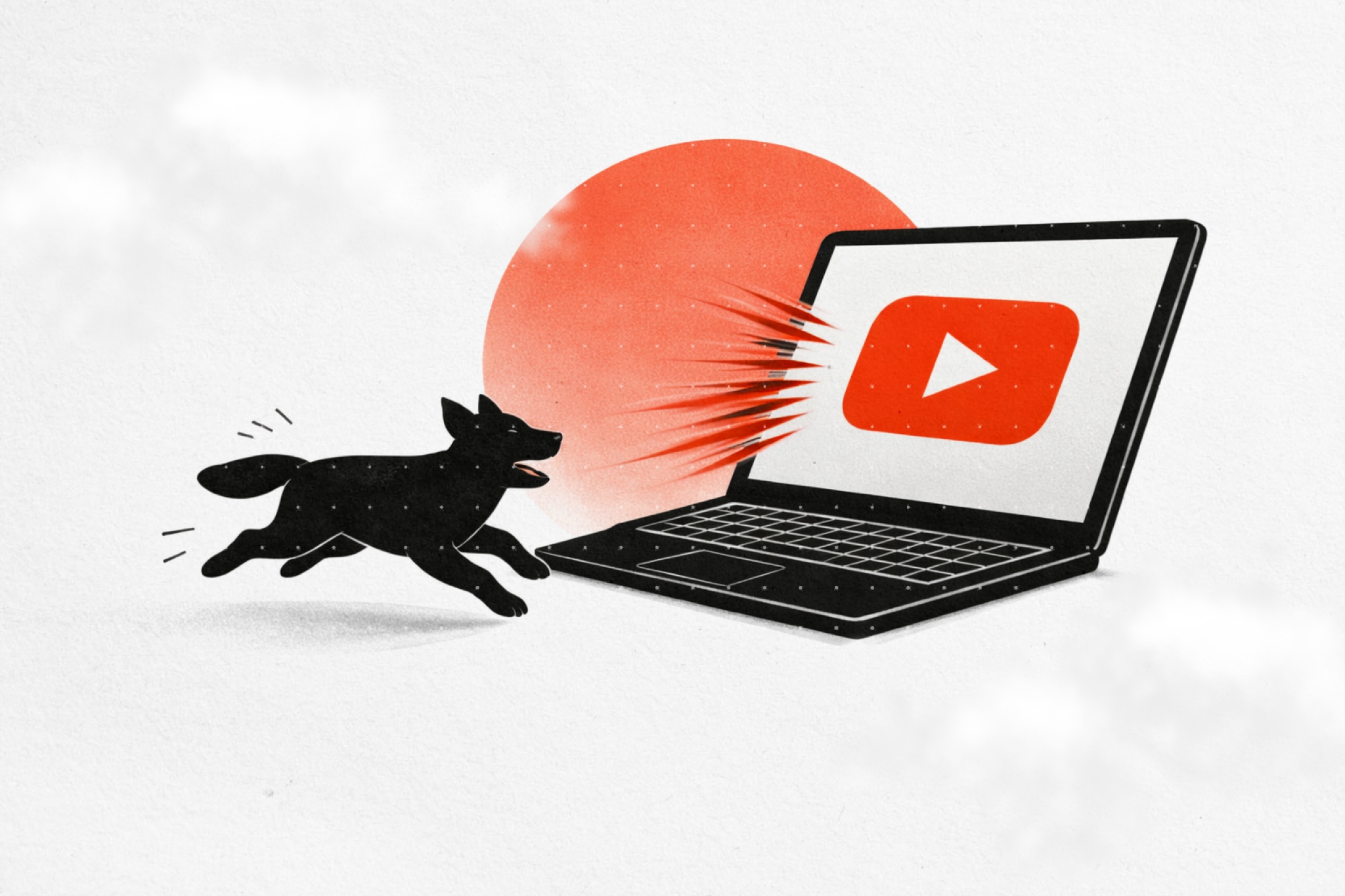
A quick demo of how Heyday's Chrome Extension works
Read more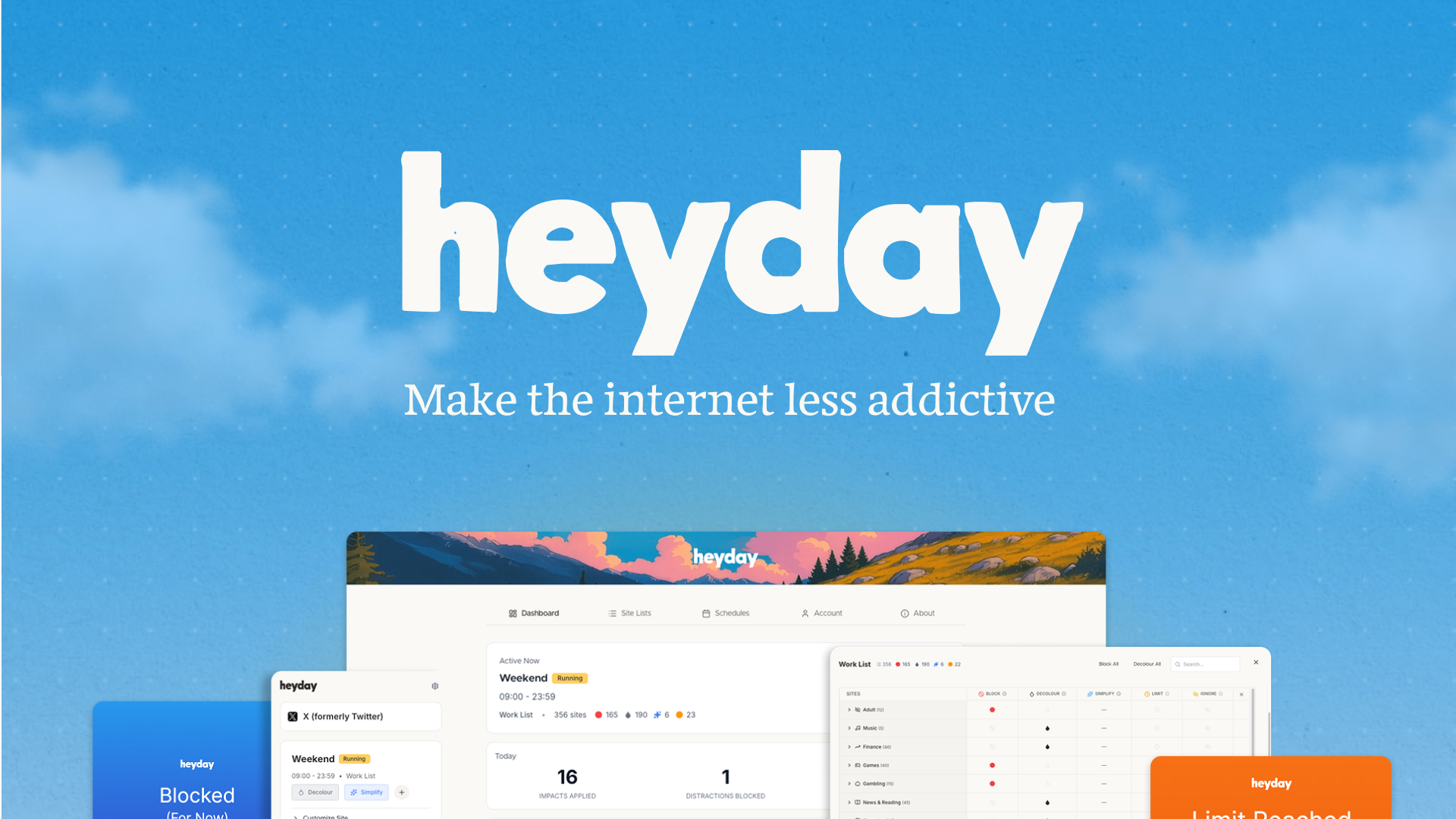
Block Facebook's addictive newsfeed while keeping the features you actually need. Stop doomscrolling, keep connections.
Read more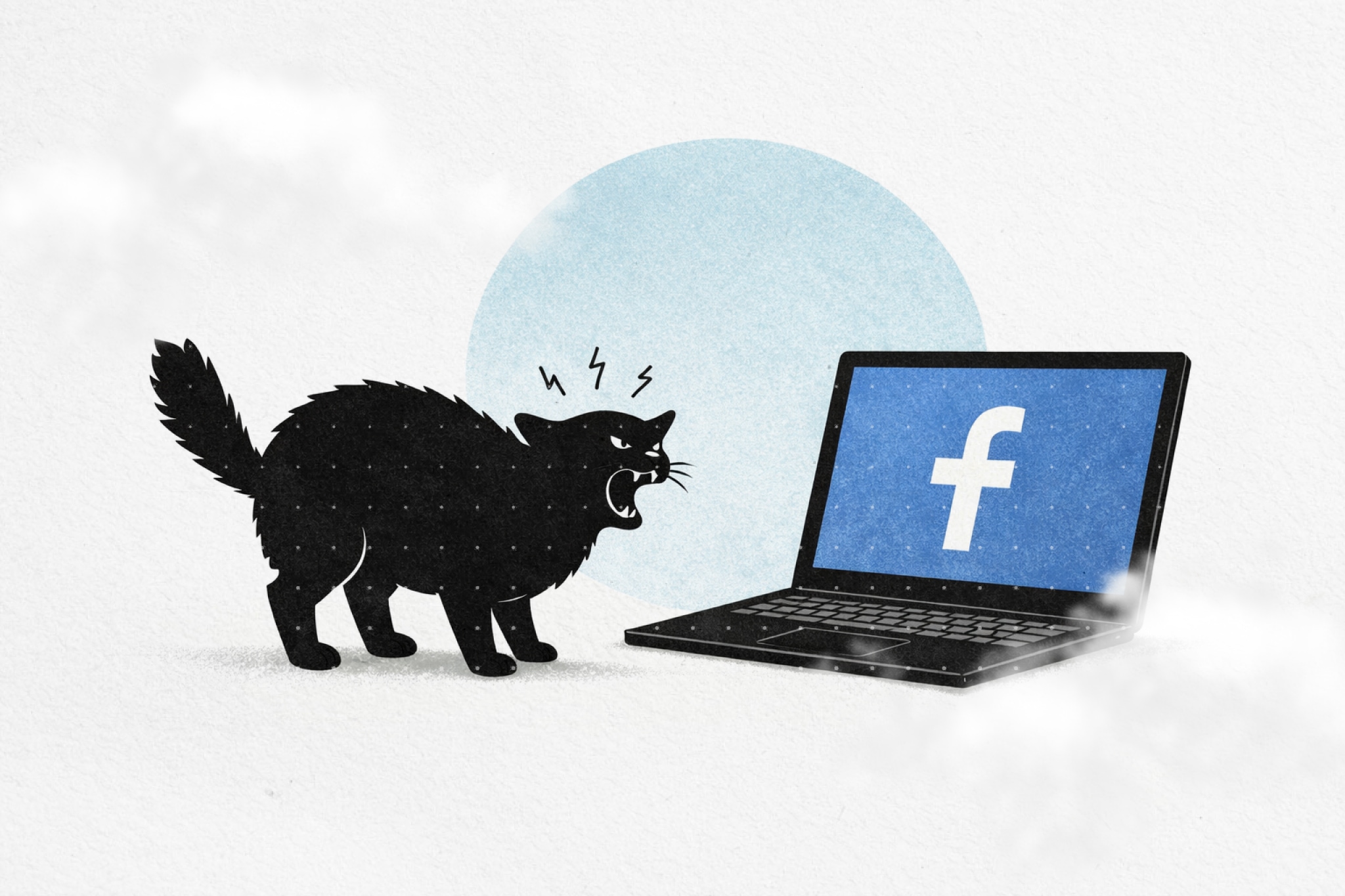
Reddit is uniquely addictive. The front page is an infinite scroll of novelty. One interesting post leads to another, then another. The comment threads go deep. Before you know it, an hour disappears into content you’ll forget by tomorrow.
Read more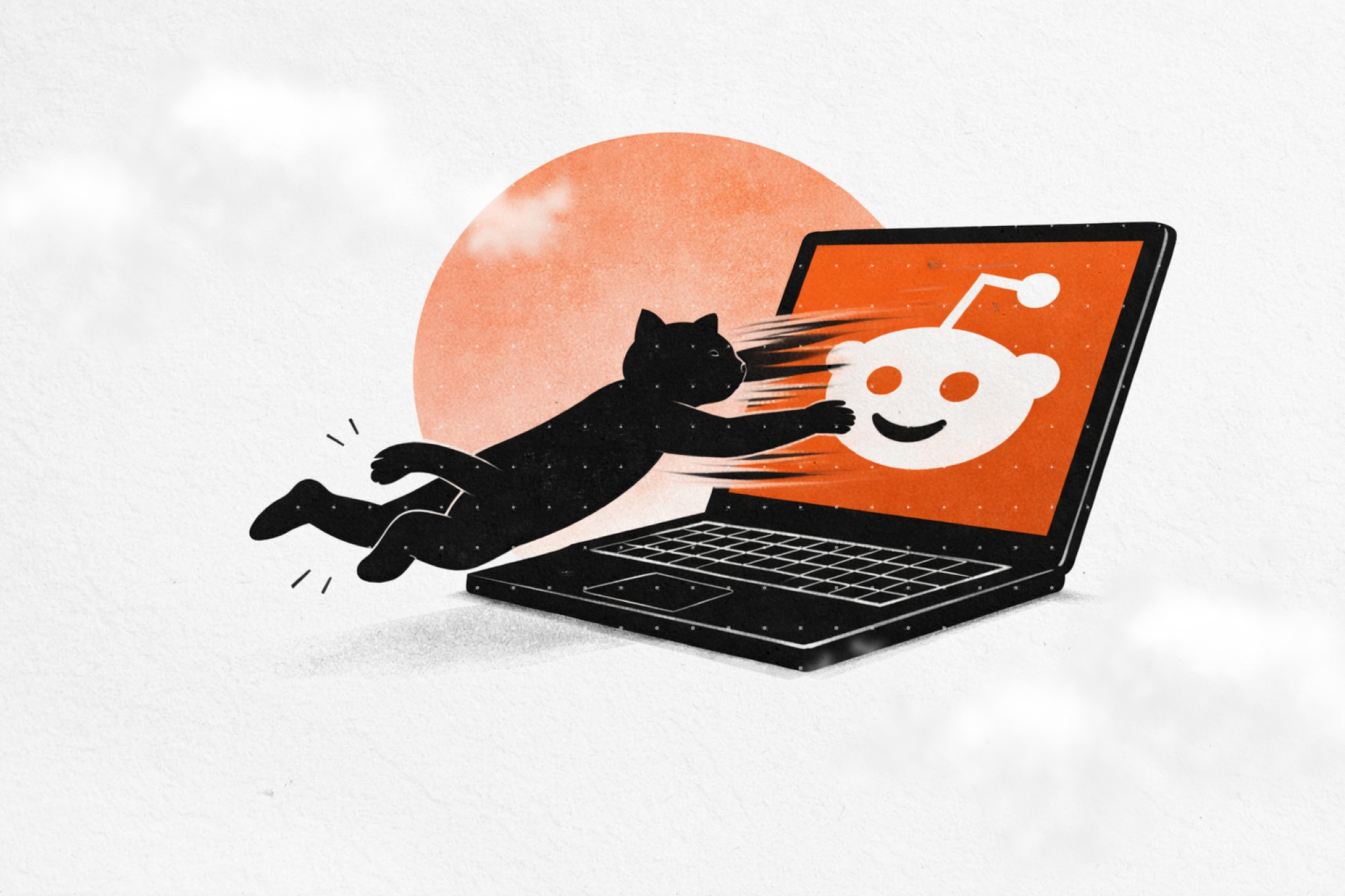
Instagram's feed is designed to keep you scrolling. The algorithm learns what holds your attention, then serves more of it. One post becomes ten. Ten becomes thirty. Before you know it, you've lost an hour to content you didn't choose to see.
Read more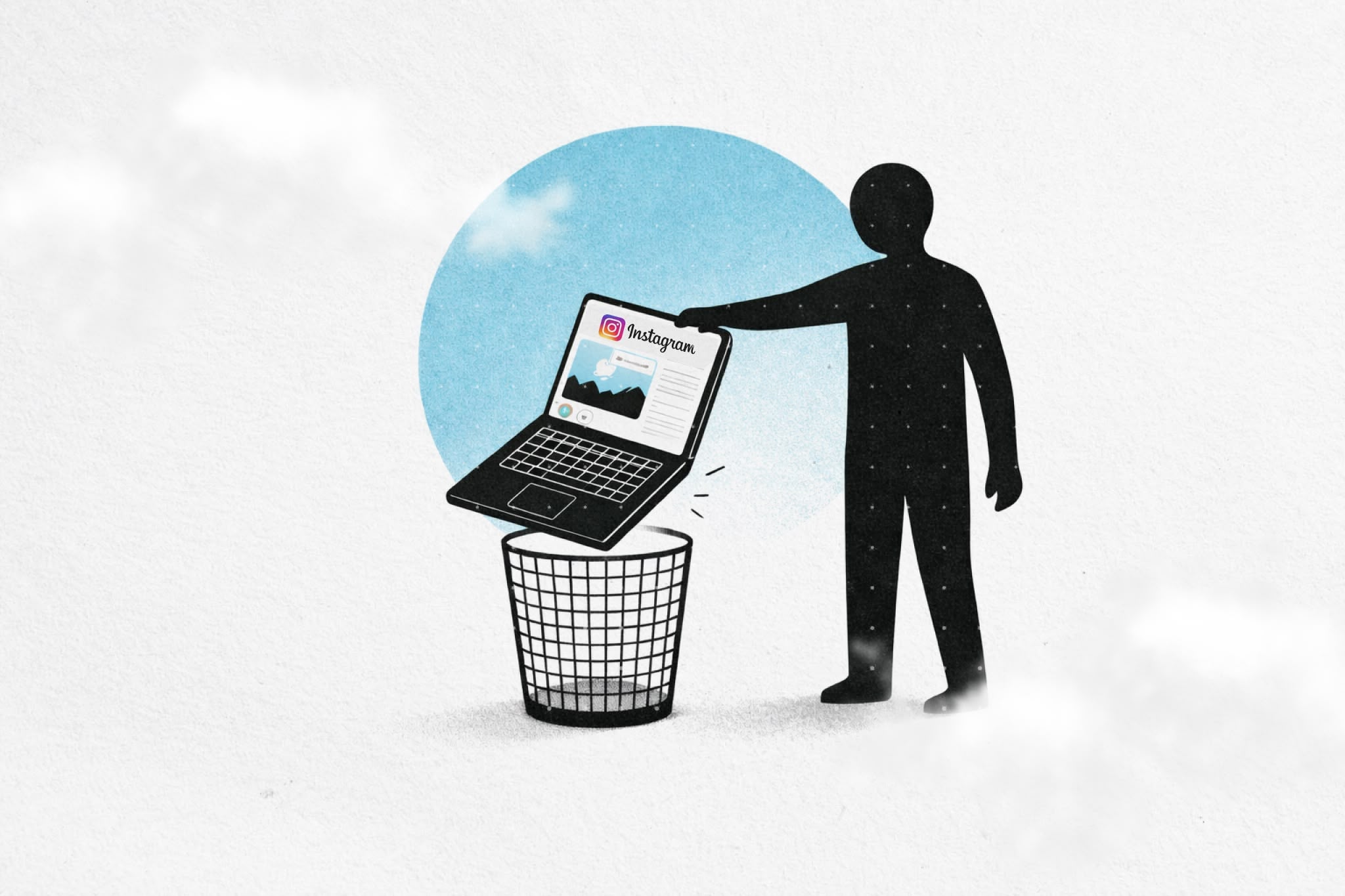
Take control of your online experience. Remove distractions, set boundaries, and browse with intention—on your terms.

.png)