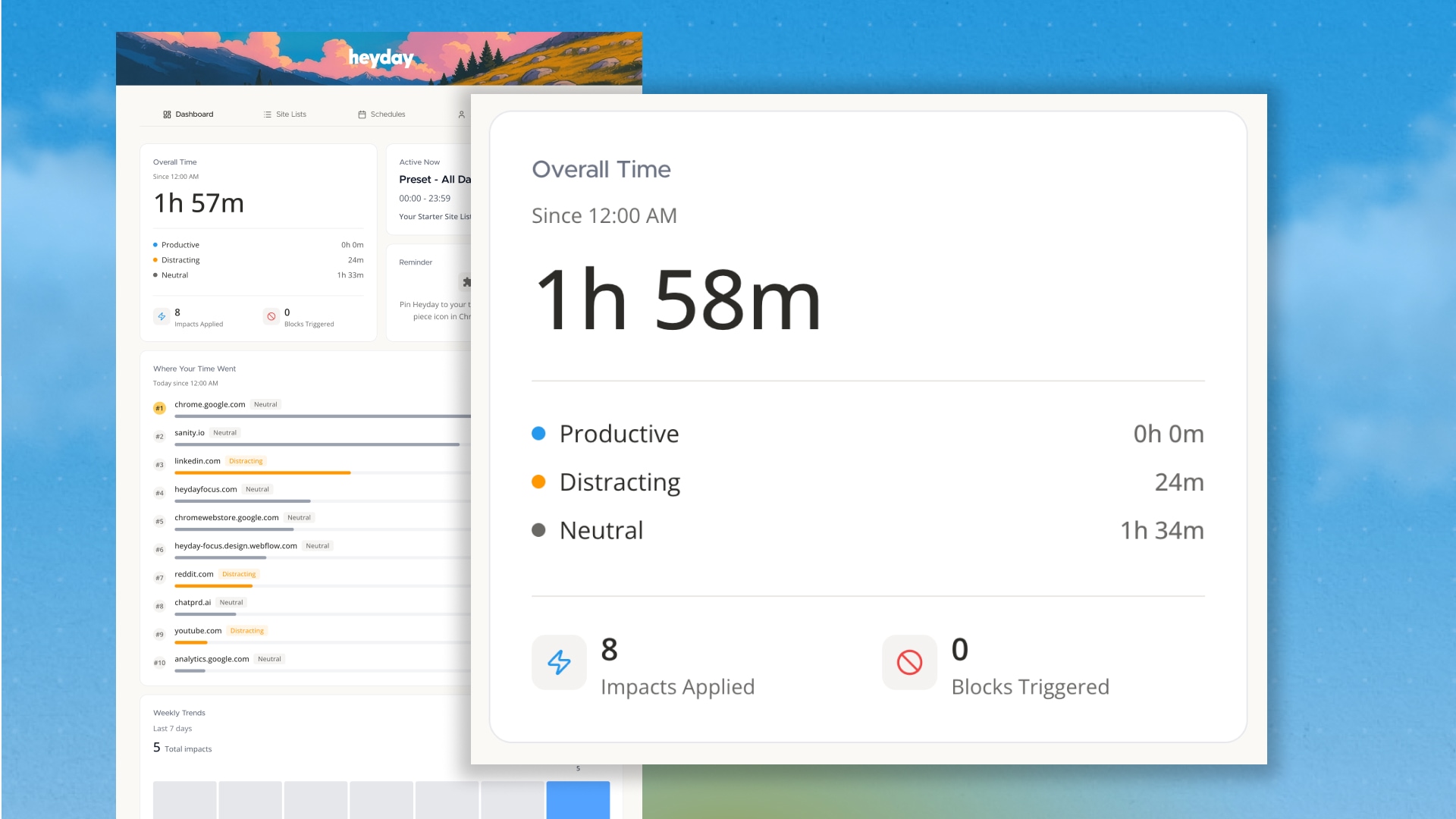
It's been a big week here at Heyday! From user interviews, to setting up the blog your reading, to working on a ton of new features, it's been good.
Let's get into it!
The feedback from some early users was clear: "I love what Heyday does, but I want to see what it's doing."
Fair. So I rebuilt the dashboard.
The old dashboard was basically a settings page. Functional, but boring. It didn't answer the question you probably have when you open Heyday: Where did my time go today?
The new one does.
Overall Time
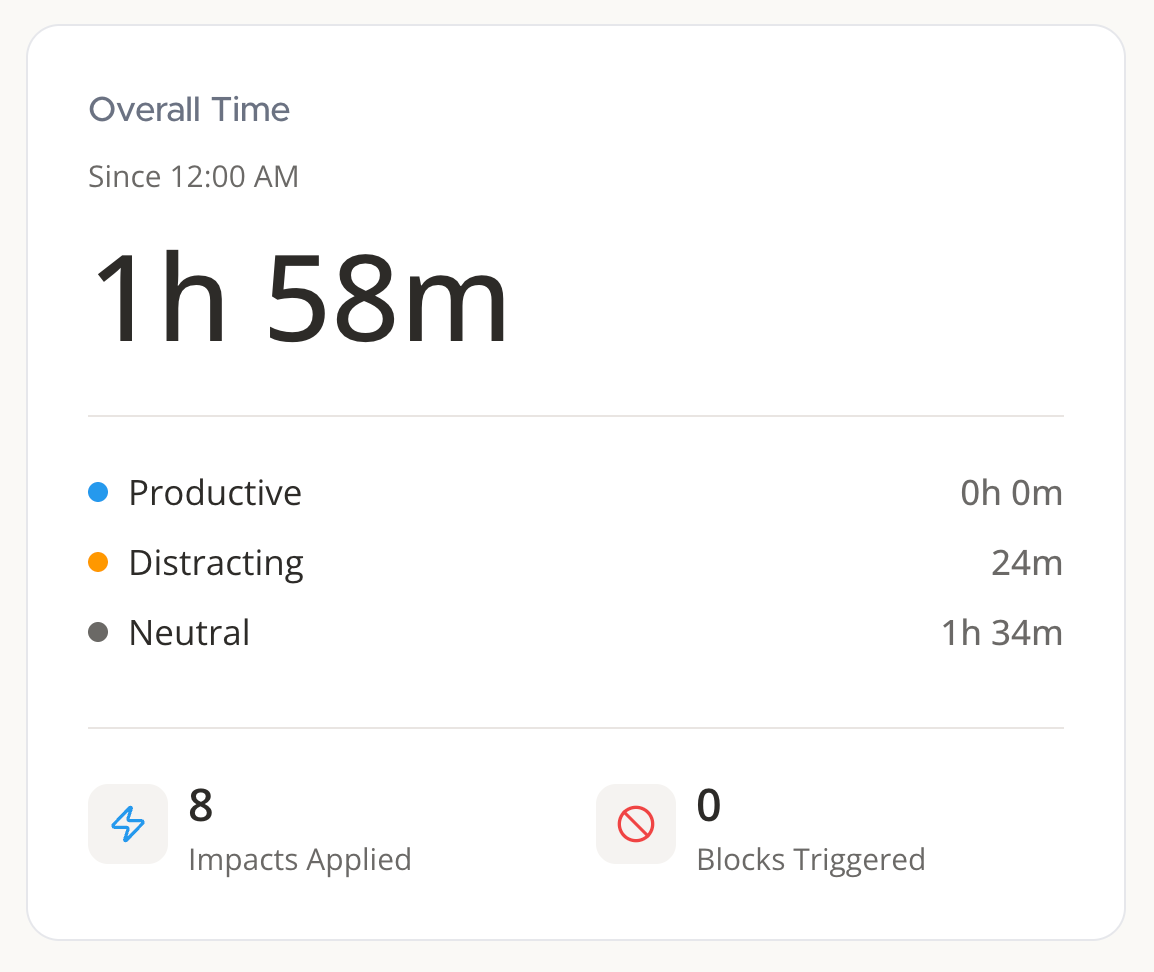
Right at the top, you'll see your total browser time since midnight, plus a 7-day average. More importantly, it breaks down how you spent that time:
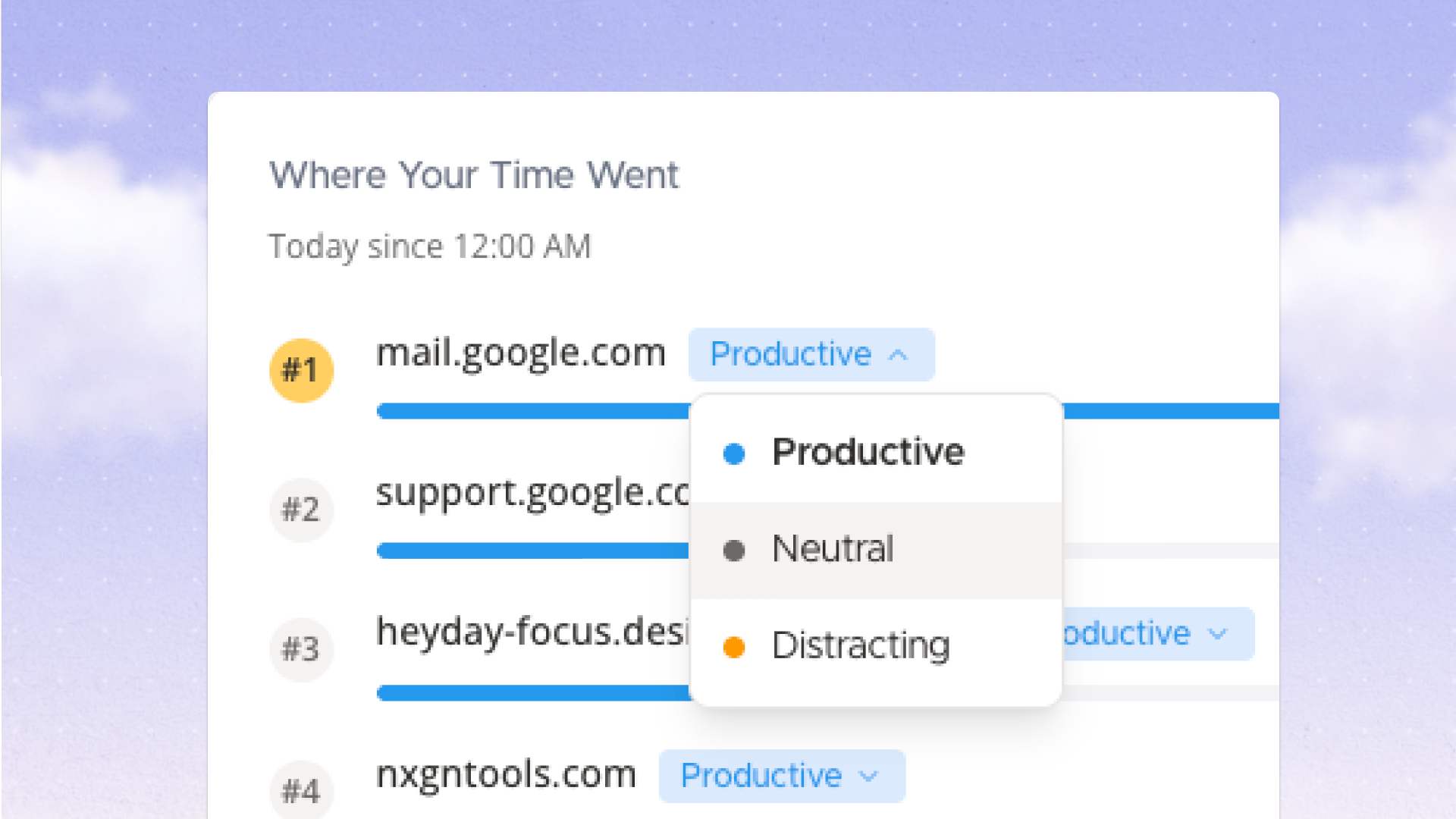
I'm auto-categorizing sites based on common patterns for now. Google at 2pm? Productive. Social Media at 2am? Less so. You'll be able to override these soon with a future release, but the defaults should help you get a sense of what works for now.
Impacts Applied & Blocks Triggered
Two new counters show how many times Heyday stepped in today:
Think of these as "saves." Little moments where the internet tried to pull you in and Heyday said "nah."
Top 10 Sites

Your most-visited sites today, ranked and colour-coded.
Look, I'm not trying to make you feel bad about where you spend your time. But you can't change what you can't see. And sometimes just seeing it is enough to shift behaviour.
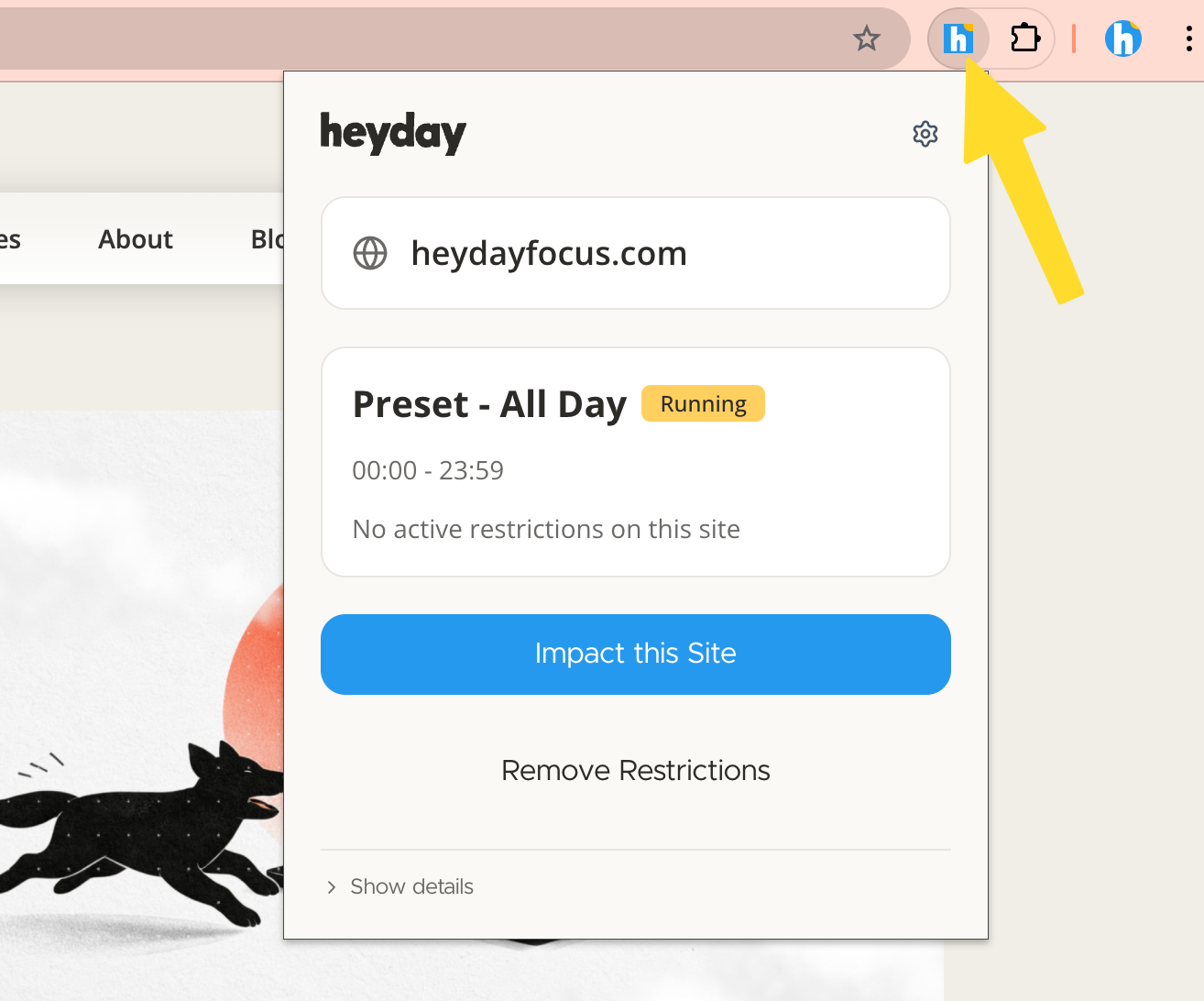
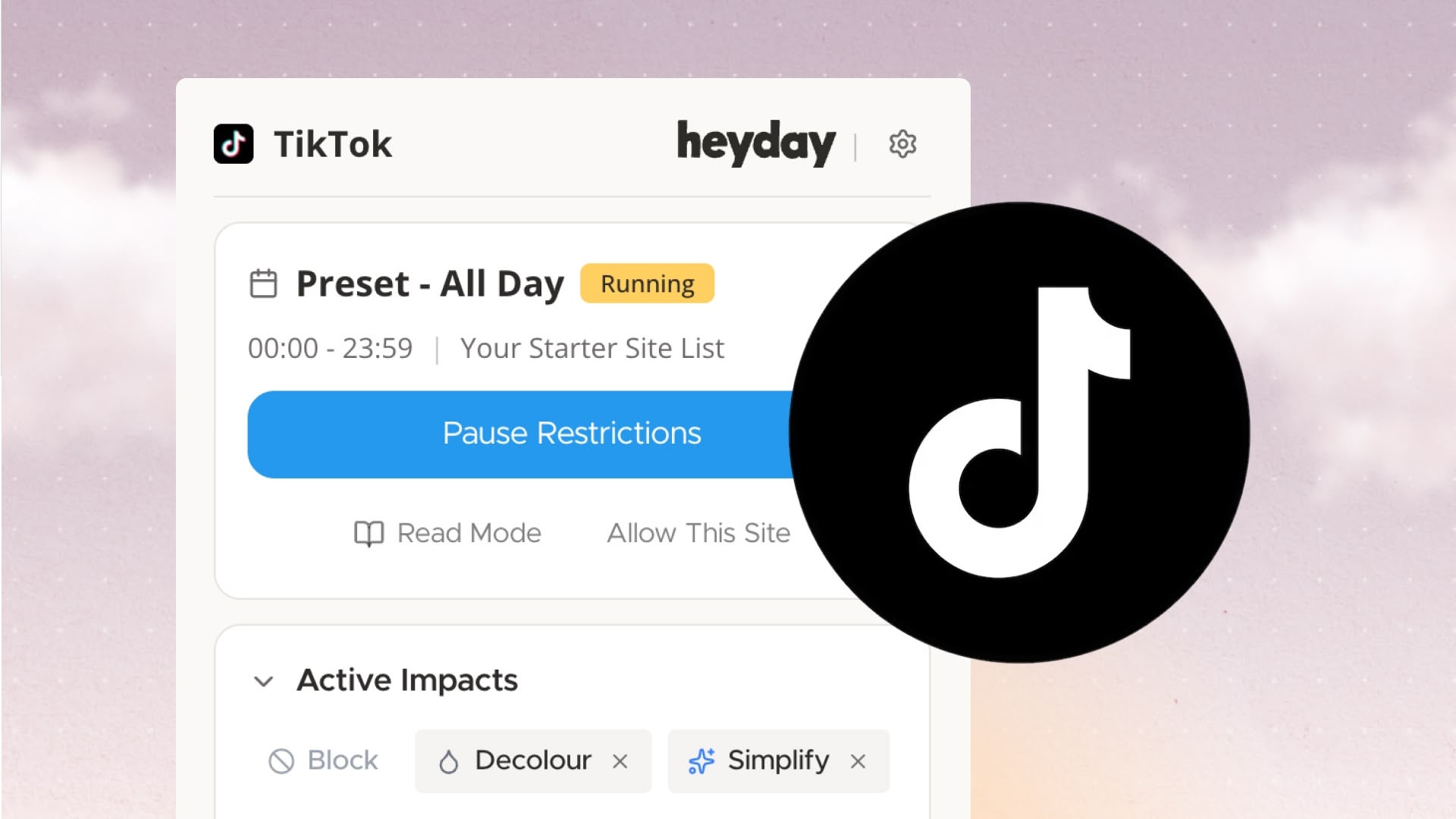
Here's something embarrassing: a bunch of early users didn't know the toolbar menu existed.
The toolbar is how you use Heyday — it's where you pause restrictions, apply quick impacts, check your schedule. It's not some hidden power-user feature. It's core functionality.
And I was doing a terrible job explaining it.
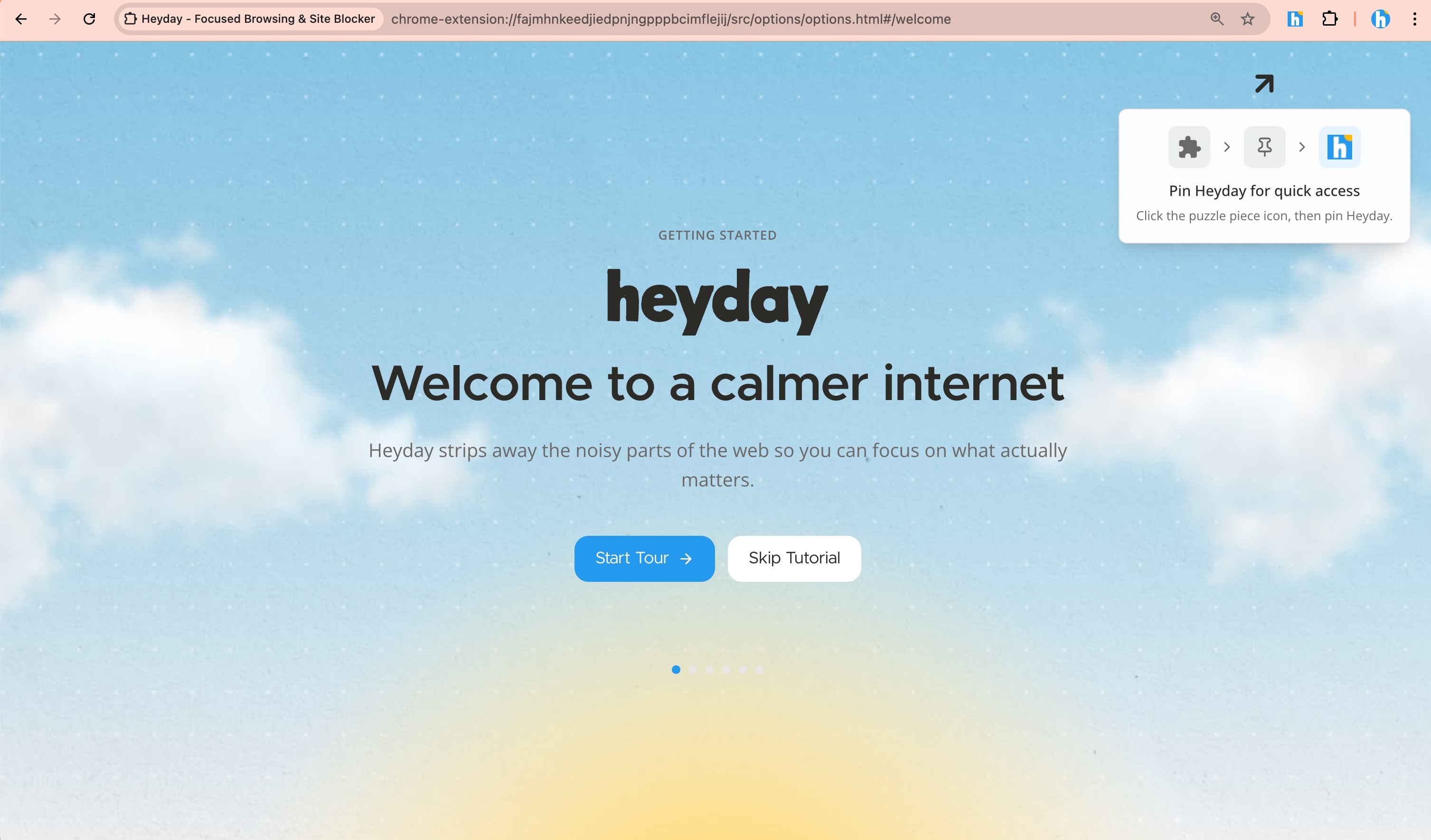
So now:
Basically, I'm making it impossible to miss. Because if you don't know the toolbar exists, you're not really using Heyday.
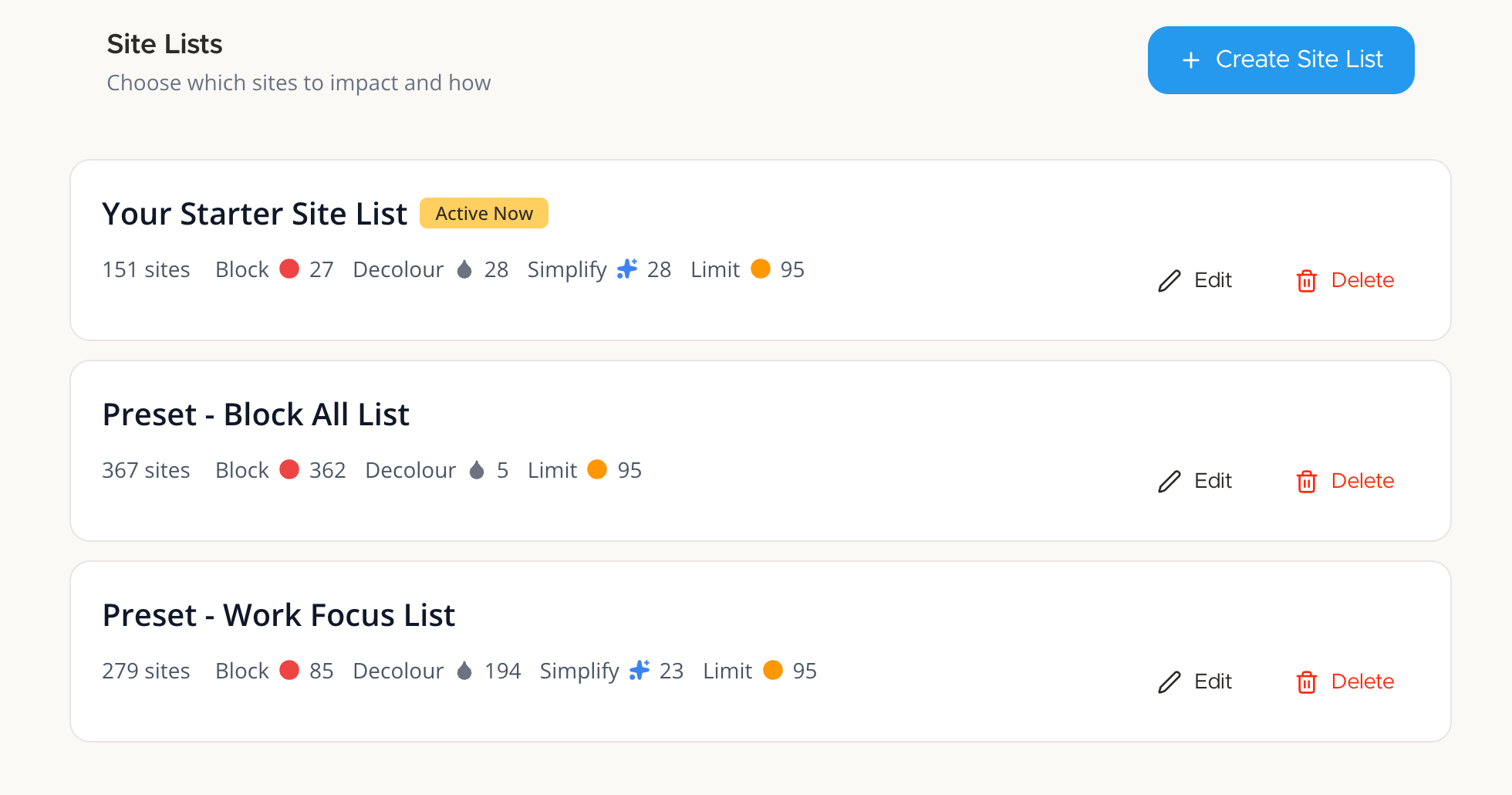
Every new install now comes with site lists and schedules already set up:
Site Lists:
Schedules:
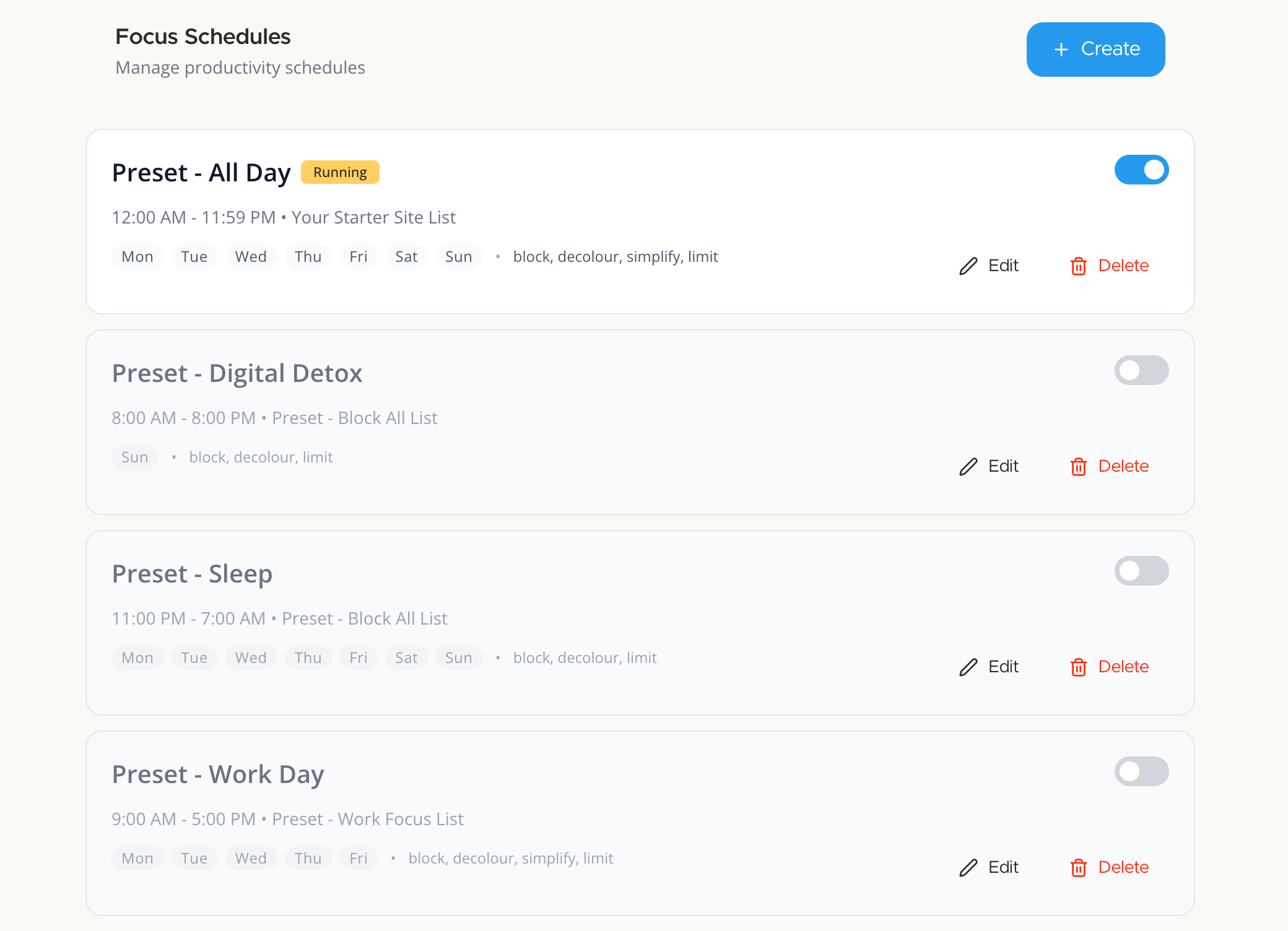
You can edit or delete any of these. But starting with something is better than staring at a blank configuration screen.
Before this, new users had to build everything from scratch. That's fine if you love tinkering. But most people just want something reasonable that works, then tweak it later.
I'm already working on the next release:
The plan is to keep this rhythm: ship something, listen to what breaks or confuses people, fix it, repeat.
Heyday gets better by building it with you, not in a vacuum.
As always, if something's broken or confusing or you just want to yell at me about a design choice, hit me up: hello@heydayfocus.com
Quick technical notes:
Take control of your online experience. Remove distractions, set boundaries, and browse with intention—on your terms.



.png)