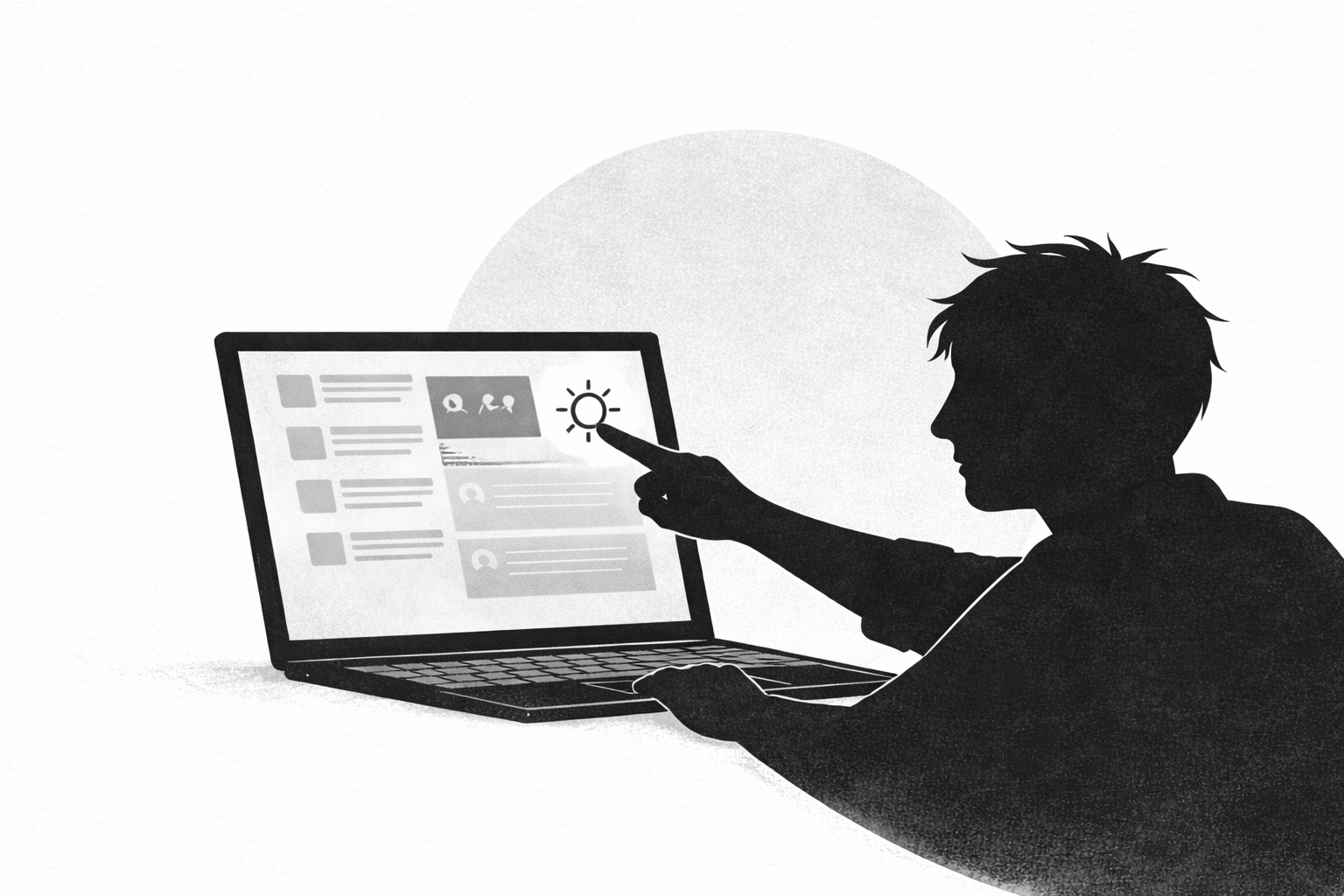
A greyscale extension for Chrome desaturates web pages so colours are rendered in shades of grey, reducing visual stimulation and the bright, attention-grabbing signals that contribute to eye strain and dopamine-driven browsing. Research shows computer vision syndrome affects a large share of heavy-screen users and that color and contrast can increase visual attention and engagement—so switching to greyscale is a low-friction step to reduce both physical discomfort and impulsive scrolling.
This guide explains what greyscale extensions do, how to install and configure one safely in Chrome (and Edge), when greyscale is the right choice versus dark mode or blue-light filters, the research behind measurable benefits, and practical combinations with site-blockers and focus tools.

A greyscale extension is a browser add-on that applies a CSS/visual filter to web pages to desaturate colour values, rendering hue and saturation into grayscale luminance. Functionally, extensions either inject a CSS filter (e.g., filter: grayscale(100%)) or modify page rendering through the browser's extension APIs. The Chrome Web Store hosts many "greyscale toggle" extensions that let users enable full or partial desaturation, set site-specific rules, and map keyboard shortcuts for on/off toggles.
Color stimulates the visual system through hue and contrast. Removing hue reduces chromatic contrast while leaving luminance contrast, which can lower the saliency of colourful UI elements such as thumbnails, notifications, and reaction buttons. Reduced color saturation can help restore normal blink rates (studies show blink suppression increases when viewing high-stimulation content), decrease cognitive load from competing stimuli, and blunt dopamine-driven engagement loops common to social feeds and recommendation engines.
Students and remote knowledge workers who spend 4+ hours daily on a browser are likely to notice reduced visual fatigue and fewer impulsive tab sessions. Creators who need long editing sessions may prefer greyscale during drafting phases to minimize distraction from colourful feeds. Eye-care organizations such as the American Optometric Association provide guidance on computer vision syndrome and recommend environmental and display adjustments; greyscale is a low-cost, reversible intervention consistent with those recommendations (AOA: computer vision syndrome). For accessibility considerations, greyscale should be used alongside WCAG guidelines to ensure sufficient luminance contrast for readability (W3C wcag).
Computer vision syndrome (CVS) prevalence estimates vary, but large optometry organizations report that 50–90% of people who use digital devices extensively experience some symptoms such as dry eyes, blurred vision, or headaches (AOA: computer vision syndrome). Peer-reviewed reviews identify brightness, viewing distance, and prolonged near work as primary drivers of symptoms (PubMed review). Behavioural research on color and attention demonstrates that saturated colors increase visual salience and engagement; while randomized trials specifically about greyscale are limited, small experiments and A/B tests by product teams consistently show declines in click-through rates and time-on-page when colour cues are muted.
Trackable metrics to evaluate greyscale impact:
For students, established focus extensions provide timers and metrics—see recommended tools in the Heyday roundup of best Chrome focus extensions for students. Organizations running pilot tests often see a 10–30% reduction in time-on-site for colour-heavy recommendation pages when greyscale or feed-minimizing interfaces are applied.
Case studies from product teams and digital-wellness trials show consistent themes: greyscale reduces the immediate attractiveness of feed content, leading to fewer impulse clicks; combined with site rules and scheduled blocking, overall browsing sessions shrink. Anecdotal pilots in employee wellness programs report improved subjective eye comfort and reduced evening screen time, which corresponds with improved sleep reports where blue-light mitigation was also used. While larger randomized clinical trials are still needed for definitive clinical claims, current evidence supports greyscale as a pragmatic, low-cost intervention for behavioral change.
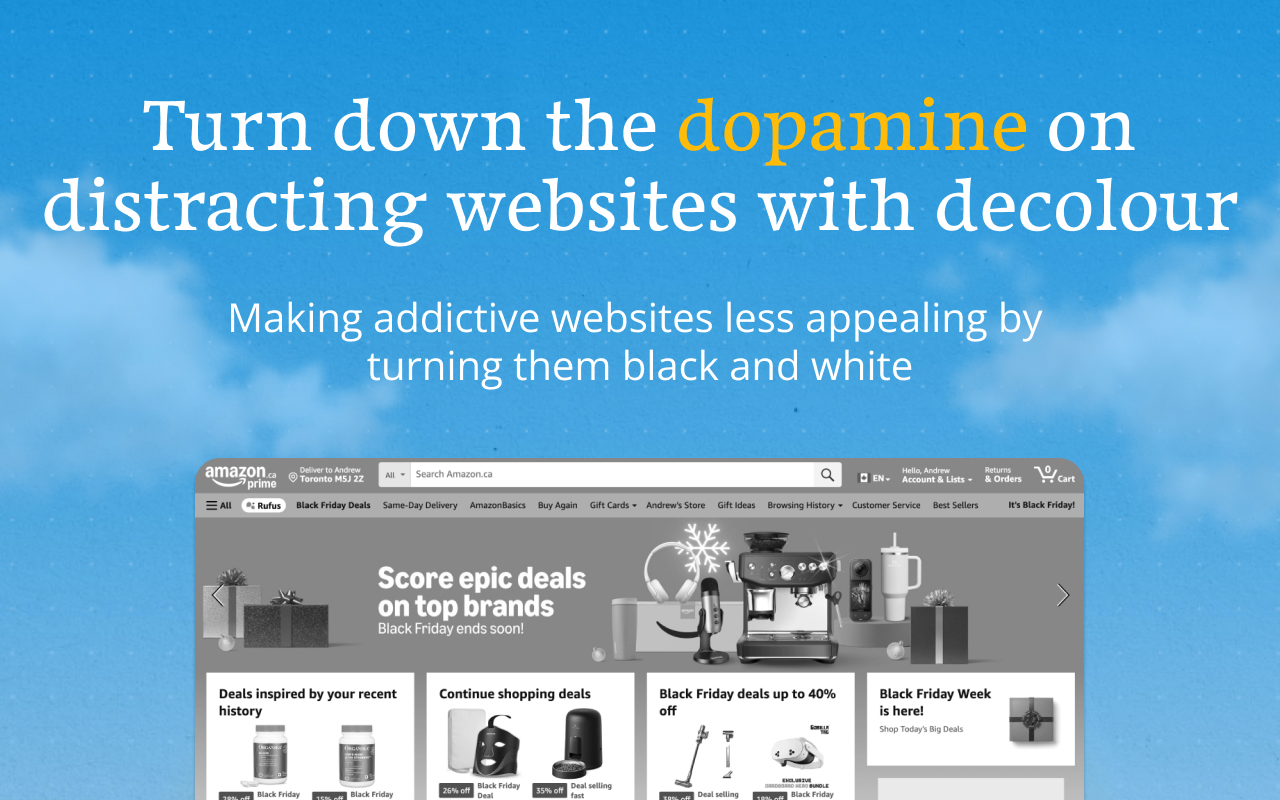
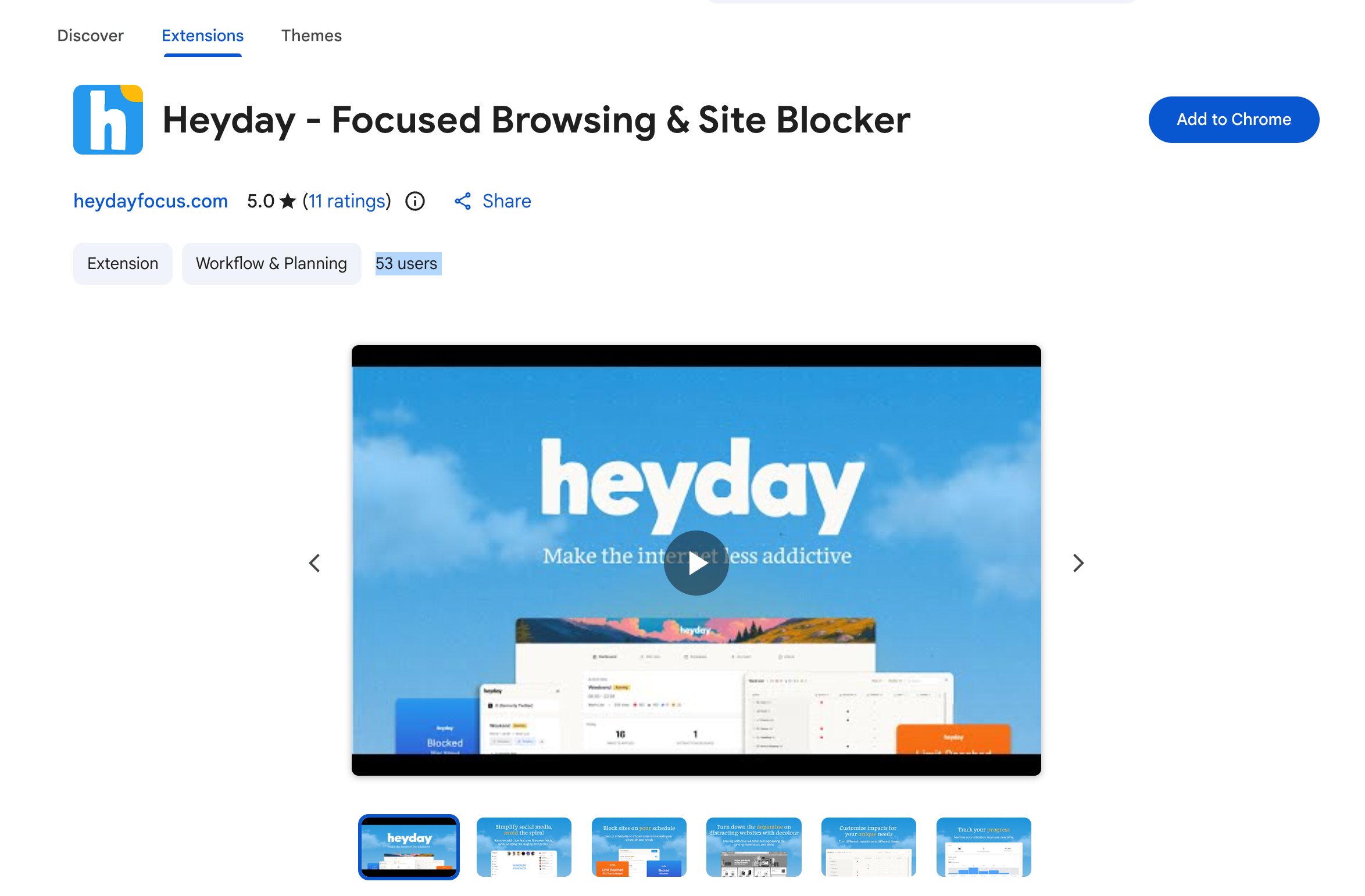
Head to the Chrome store to download the Heyday extension. The Heyday demo video illustrates core workflows and is helpful for new users: video demo.
Aprove the permissions for Heyday to be installed. Typical permissions include "read and change data on websites"
Once installed go through onbaording
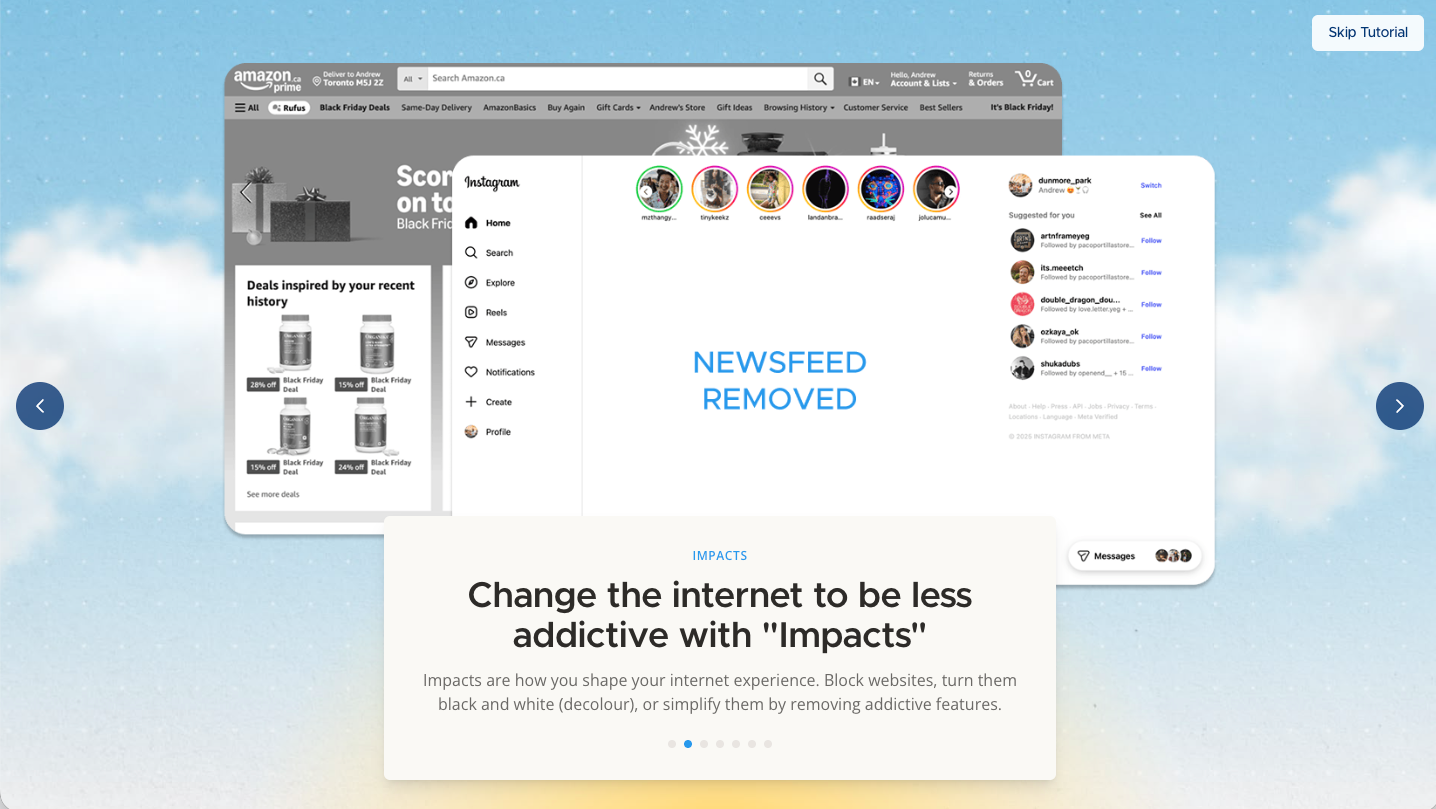
Open Site Lists to choose which sites you want to switch to greyscale

Select the sites you want to turn grey

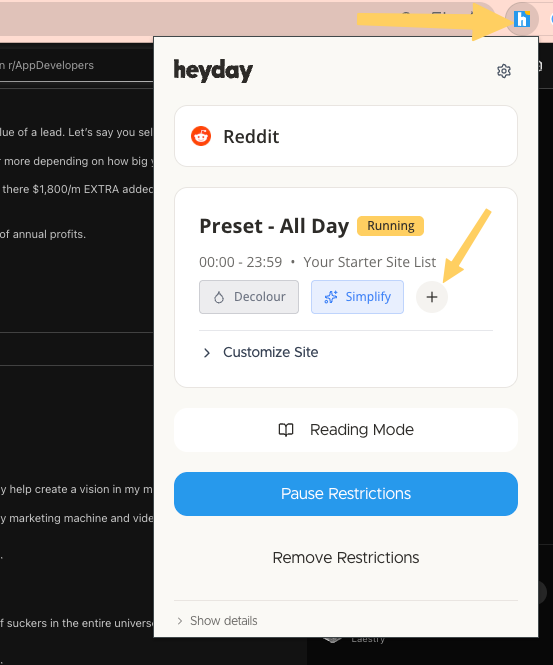
Heyday's extension has a toolbar button for one-click toggling and allow keyboard shortcuts.
For predictable workflows, set greyscale to auto-enable on distracting domains (social sites, news sites) and remain off for productivity tools where color-coding matters (Google Sheets, design tools).
Greyscale primarily removes chromatic contrast, reducing the salience of colourful affordances (like notification badges). Dark mode shifts luminance relationships by using darker backgrounds with lighter text, which lowers screen brightness but retains color cues. Blue-light filters (software night-shift or hardware lenses) reduce short-wavelength light linked to circadian rhythms but leave colours intact. Studies summarized by Harvard Health indicate blue light affects melatonin and sleep timing but that brightness and timing matter more than color alone (Harvard Health: blue light has a dark side).
Choose greyscale when the goal is to reduce behavioral engagement with feeds and recommendations—users report fewer clicks and shorter sessions when color cues are blunted. Greyscale is especially useful on social platforms and news aggregators where colorful thumbnails and reactions are engineered to capture attention. Use dark mode when screen brightness in a dim environment is the main issue and colour cues remain necessary for the task.
Prefer blue-light filters for evening use aimed at sleep hygiene, particularly 2–3 hours before bedtime. Hardware options like lens coatings or low-blue-light displays are effective for ongoing circadian concerns and can be combined with greyscale for behavioral control. Clinical guidance recommends addressing brightness, viewing distance, and blink rate alongside spectral changes—blue light alone doesn't solve computer vision syndrome (PubMed review on CVS).
Quick decision checklist:
Greyscale works best as part of a toolkit. Pair it with feed-simplifying extensions and site-blockers to create layered friction: greyscale reduces salience while blockers prevent automatic navigation back to feeds. For instructions on removing a distracting social feed while keeping messaging, follow the guide to turn off newsfeed. Minimalist feed extensions complement greyscale by removing layout-level distractions and reducing cognitive load.
Combine greyscale with scheduled focus sessions (Pomodoro 25/5 or 50/10). Enable greyscale during focused intervals and auto-disable during breaks to provide a visual reward. Use browser-based timers or a dedicated extension in tandem with Heyday's scheduling features to automate mode switching and track productivity gains.
Practical, evidence-backed habits amplify greyscale benefits:
Combining greyscale with behavioral routines and technical controls creates a resilient system for reducing both eye strain and compulsive browsing.
Greyscale is a low-friction, reversible tool that often reduces visual stimulation and can lower distracted browsing when used with site-controls and scheduled focus. Try a 1–2 week experiment—auto-enable greyscale on high-risk domains and measure screen time and subjective comfort to see if it helps.
Greyscale reduces chromatic stimulation and can lower the visual salience of colorful, attention-grabbing elements, which may reduce blink suppression and subjective eye fatigue. Clinical guidance emphasizes brightness, viewing distance, and breaks as primary treatments for computer vision syndrome, so greyscale should be used as a complementary strategy rather than a standalone cure. Track symptoms using a daily comfort log and compare before/after averages over 1–2 weeks to assess impact.
Greyscale preserves luminance contrast but removes colour cues, which can affect interfaces that rely on colour alone for meaning. Follow Web Content Accessibility Guidelines (WCAG) for sufficient contrast (at least 4.5:1 for body text) and use font-size/zoom adjustments when enabling greyscale to maintain readability. For users with color-vision deficiencies, greyscale may reduce confusion from colour encoding but consult accessibility specialists for task-critical workflows.
Most greyscale extensions support site-specific rules or domain whitelists/blacklists, letting users auto-enable greyscale on social networks and recommendation pages while leaving productivity apps in full colour. Use these rules to preserve colour-dependent workflows (e.g., Google Docs or Figma) and target only high-distraction domains.
Greyscale reduces chromatic stimulation but does not directly alter the short-wavelength (blue) component of emitted light; blue-light filters or night-shift modes are more targeted for circadian impacts. For better sleep, combine greyscale with reduced screen brightness and a timed blue-light filter in the evening, and avoid sustained device use 1–2 hours before bedtime per sleep hygiene recommendations. Harvard Health outlines the relationship between blue light and melatonin suppression for more context.
Take control of your online experience. Remove distractions, set boundaries, and browse with intention—on your terms.




.png)