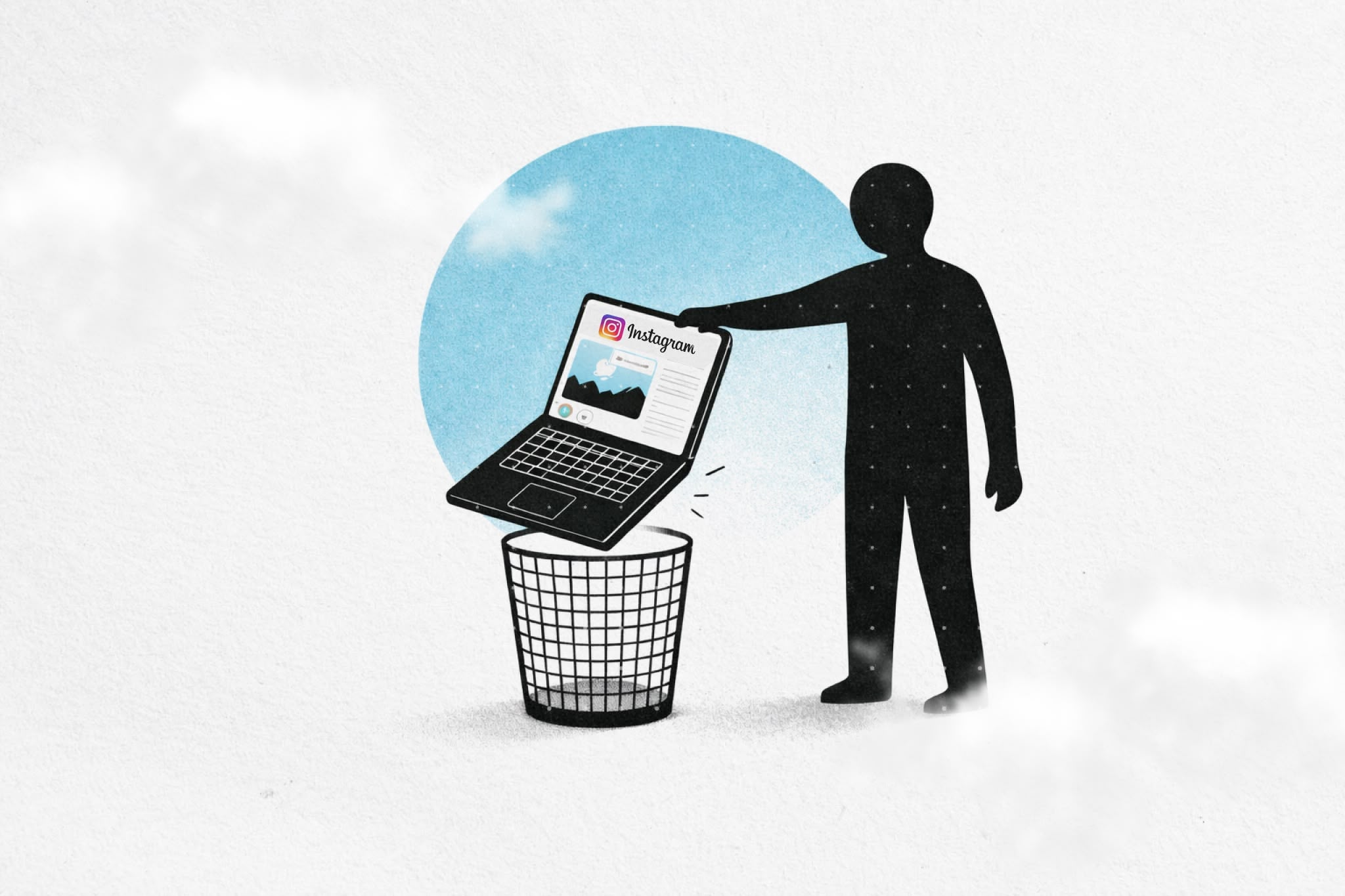
Instagram's feed is designed to keep you scrolling. The algorithm learns what holds your attention, then serves more of it. One post becomes ten. Ten becomes thirty. Before you know it, you've lost an hour to content you didn't choose to see.
But here's the thing: you might actually need Instagram for DMs, posting content, or managing accounts. The feed is the problem, not the entire platform.
This guide shows you how to remove Instagram's feed on desktop while keeping the parts you actually use. We'll cover both manual methods and extension-based solutions, including how Heyday approaches this.
Instagram's feed uses several design patterns specifically built to maximize engagement:
Infinite scroll – There's no natural stopping point. The feed regenerates endlessly, making it difficult to decide when you've "finished."
Variable rewards – You never know if the next post will be interesting, boring, or something you care about. This unpredictability triggers the same dopamine patterns that make slot machines addictive.
Algorithmic curation – Instagram doesn't show you posts chronologically. It shows you what its algorithm predicts will keep you engaged longest, based on your past behavior.
Visual appeal – Unlike text-heavy platforms, Instagram's image-first design requires minimal cognitive effort, making it easier to keep scrolling passively.
The feed isn't neutral. It's engineered specifically to capture and hold your attention. That's why removing it can create immediate relief.
Before we get into methods, let's be clear about trade-offs.
What you can keep:
What you remove:
For many people, this is exactly the right balance. You maintain the utility of Instagram while removing the parts designed to pull you into endless scrolling.
If you're comfortable with browser developer tools, you can manually hide the feed using CSS.
How it works:
let style = document.createElement('style');
style.innerHTML = 'article { display: none !important; }';
document.head.appendChild(style);Result: The feed disappears immediately.
Trade-offs:
This method is completely free and doesn't require installing anything, but it's manual and temporary. If you refresh the page, the feed comes back.
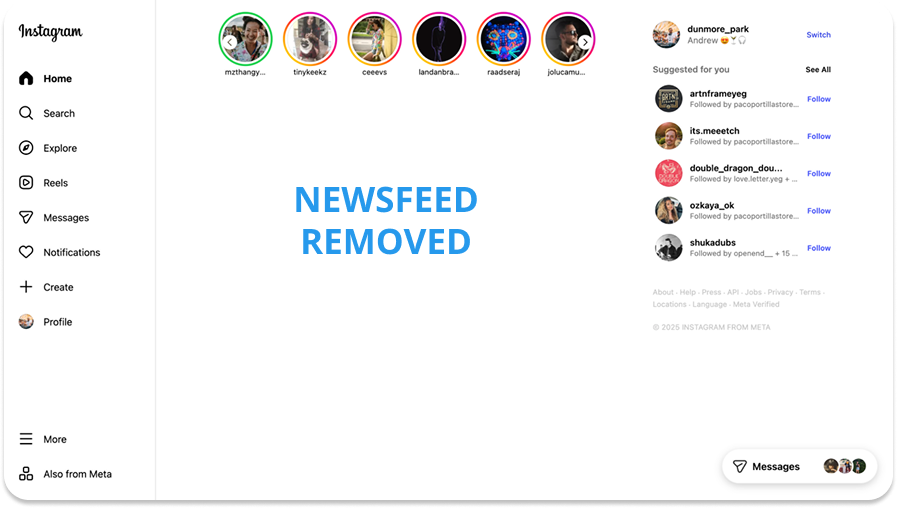
Extensions like Heyday automate feed removal and add scheduling, so your rules persist across sessions.
How Heyday approaches this:
Heyday treats Instagram's feed as an "attention trap" you can selectively disable. Instead of blocking Instagram entirely, you remove the parts designed to keep you scrolling.
Here's what that looks like:
Step 1: Install Heyday
Step 2: Add Instagram to your managed sites
Step 3: Choose your impacts
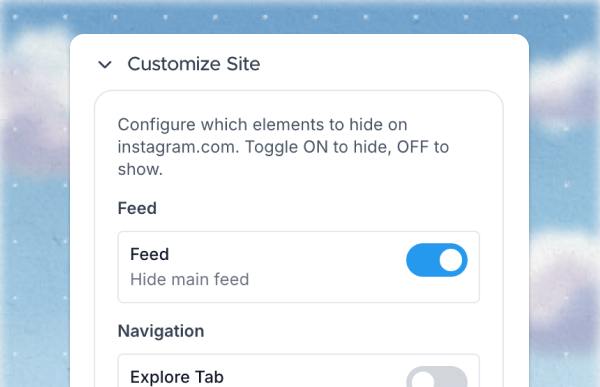
Step 4: Set schedules (optional)
What happens:
When you visit Instagram, the feed is automatically hidden. DMs, posting, stories, and profile management all work normally. The main feed, explore page, and algorithmic recommendations don't load.
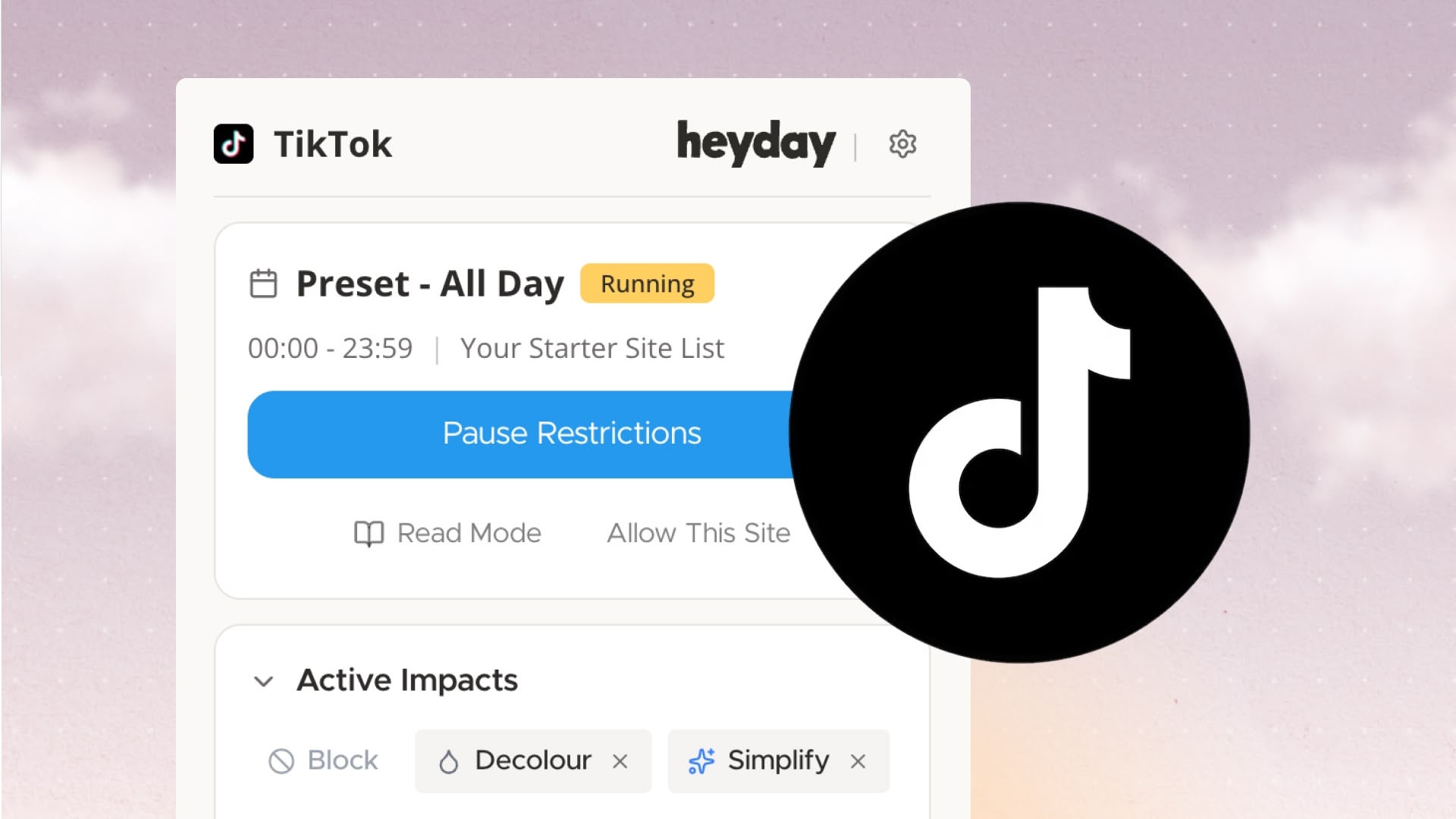
Screenshot description: The Heyday dashboard showing Instagram in a "Site List" with impacts enabled: Remove Newsfeed (active), Grayscale (inactive), Remove Reels (active). Schedule shows "Always active."
Trade-offs:
Heyday's advantage is persistence and scheduling. Your rules stay active across all browsing sessions, and you can set different behaviors for different times of day.

If you already use uBlock Origin (an ad-blocker), you can write custom filters to hide Instagram's feed.
How it works:
instagram.com##articleResult: The feed is hidden on Instagram whenever you visit.
Trade-offs:
This is a solid option if you're already using uBlock Origin and want a set-it-and-forget-it approach.
Choose the manual CSS method if:
Choose Heyday or a similar extension if:
Choose uBlock Origin filters if:
You'll notice the absence immediately. Opening Instagram becomes intentional—you go there for a reason (check DMs, post something, view a specific profile), then leave.
Some people report:
The feed's absence creates space. That's the point.
"The feed still appears sometimes"
"I can't post anymore"
"This feels too restrictive"
Instagram's feed exists to generate engagement, which generates ad revenue. That's the business model.
You are not the customer. Advertisers are. Your attention is the product being sold.
Removing the feed doesn't make you virtuous. It just means you've decided this particular engagement pattern isn't serving you.
There's no moral dimension here. It's a design choice about how you want to interact with a tool.
Remove the feed for seven days and see what changes.
You might find you don't miss it. You might find Instagram becomes genuinely useful again—a place to message friends, share moments, follow specific people—without the algorithmic noise.
Or you might find you miss the feed. That's fine too. At least you'll know.
Take control of your online experience. Remove distractions, set boundaries, and browse with intention—on your terms.

.png)