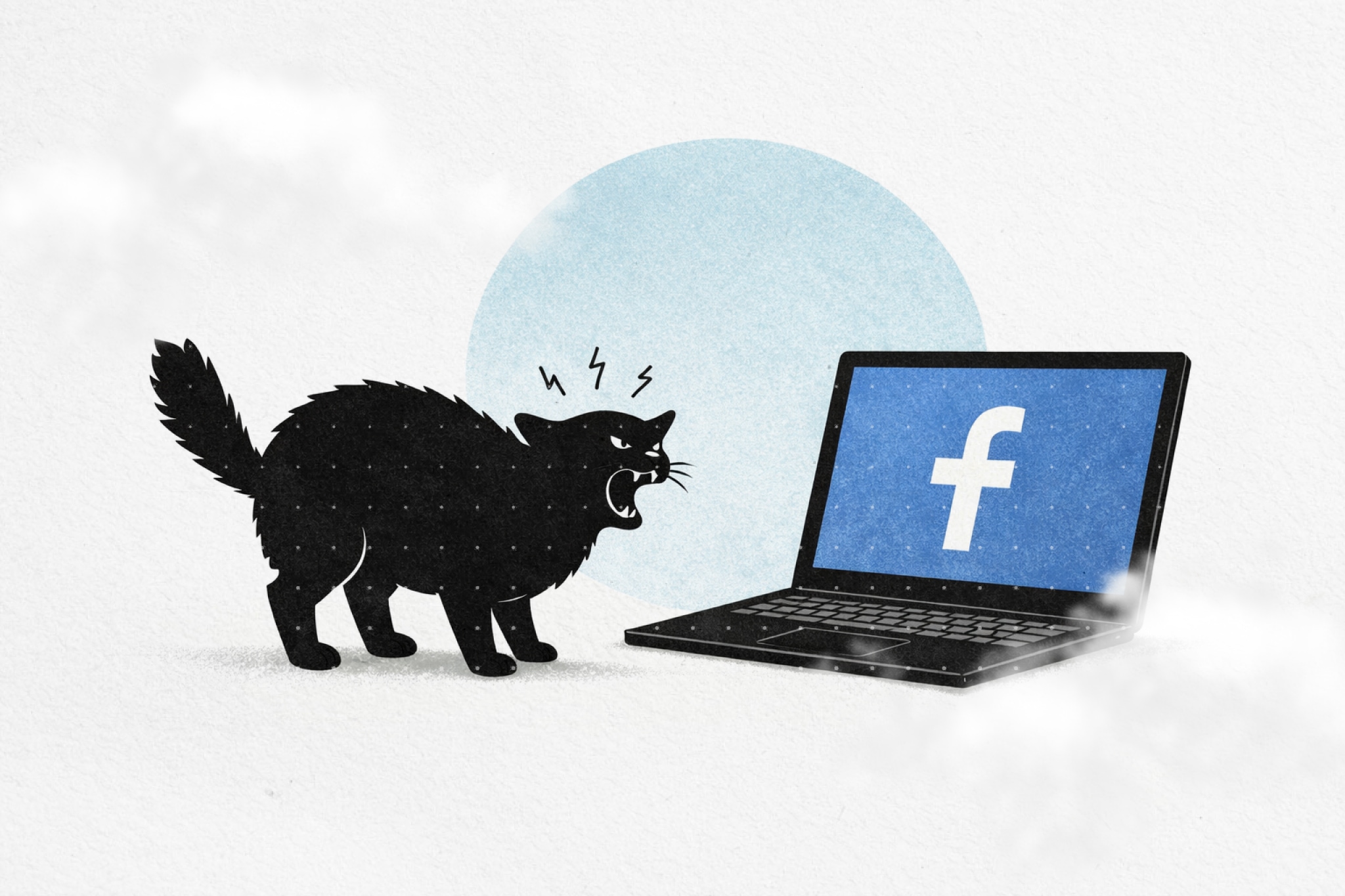
Facebook's newsfeed is designed to keep you scrolling. The algorithm curates an endless stream of posts, ads, and suggested content calculated to maximize engagement. Ten minutes becomes thirty. Thirty becomes an hour. Before you know it, you've consumed content you never sought out.
But here's the thing: many people genuinely need Facebook. Not for the newsfeed—for everything else. Groups where communities organize. Marketplace where you buy and sell locally. Events that keep you connected to what's happening. Messenger that's become a primary communication channel.
The newsfeed is the problem, not the entire platform.
This guide shows you how to remove Facebook's newsfeed while keeping Messenger, Groups, Marketplace, and Events fully functional.
Facebook's newsfeed uses several design patterns specifically built to maximize engagement:
Algorithmic curation — Facebook doesn't show you posts chronologically. It shows you what its algorithm predicts will keep you engaged longest, based on your past behavior.
Infinite scroll — There's no natural stopping point. The feed regenerates endlessly, making it difficult to decide when you've "finished."
Variable rewards — You never know if the next post will be interesting, boring, or something you care about. This unpredictability triggers the same dopamine patterns that make slot machines addictive.
Social pressure — Posts from friends mixed with ads and suggested content create FOMO (fear of missing out) and make you feel you need to stay current.
The newsfeed isn't neutral. It's engineered specifically to capture and hold your attention. That's why removing it can create immediate relief.
Facebook isn't just a social network anymore. It's infrastructure.
Groups — Neighborhood associations, hobby communities, professional networks, parenting circles. Many groups exist only on Facebook because that's where everyone already is.
Marketplace — Local buying and selling that works. Craigslist alternative with identity verification and messaging built in.
Events — Local concerts, community gatherings, birthday parties. Facebook Events became the default RSVP system for millions of people.
Messenger — For some friend groups and families, Messenger is the primary communication channel. It predates and outlasts individual social networks.
Quitting Facebook entirely means losing access to all of this. But you don't have to quit. You can remove the addictive part—the newsfeed—while keeping everything else.
Let's be clear about the trade-offs.
What you can keep:
What you'll lose:
For many people, this is an excellent trade. The newsfeed is the part designed to capture attention. Everything else is utility.
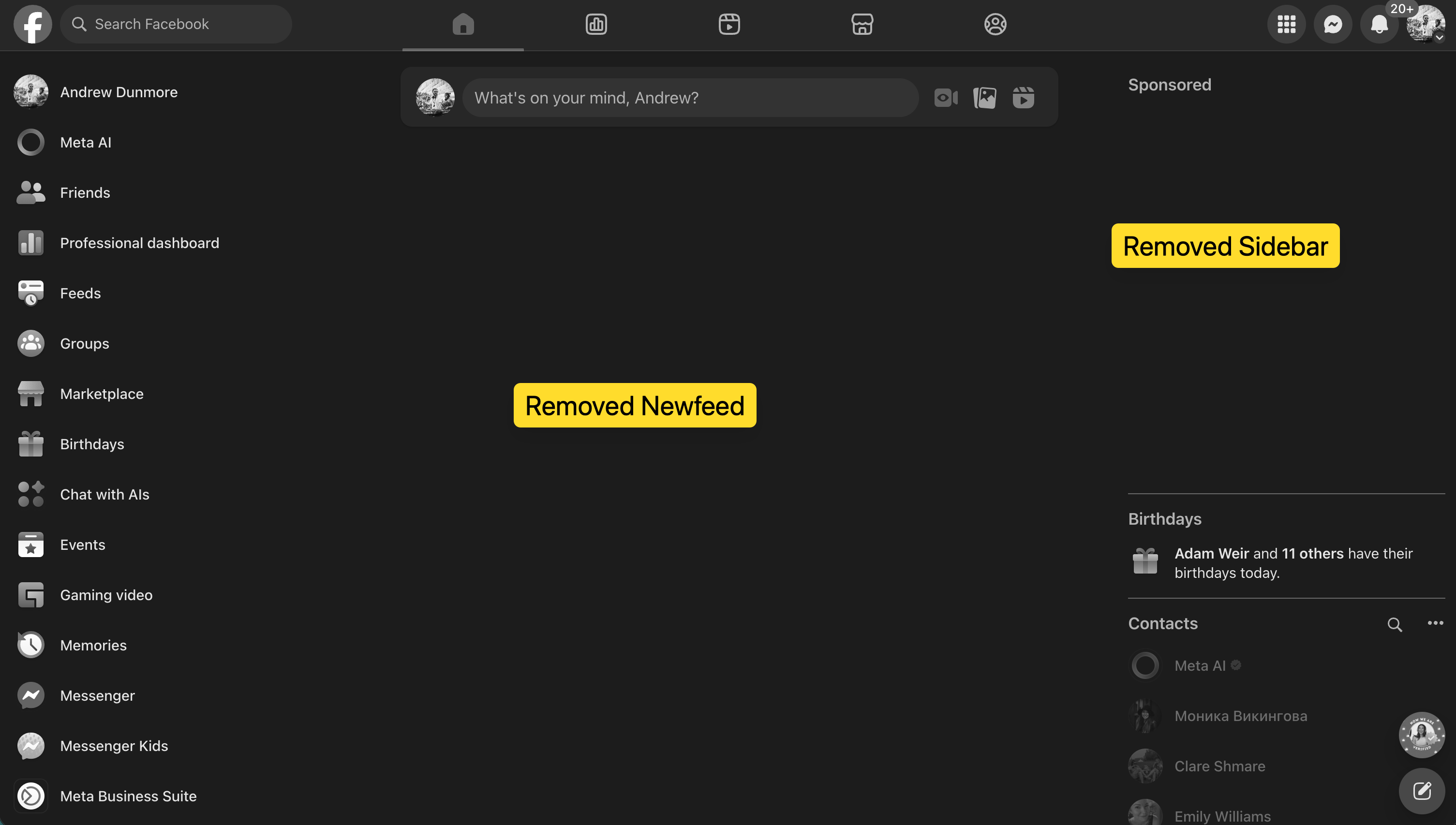
Heyday removes Facebook's newsfeed as part of a broader approach to digital wellbeing.
How Heyday approaches this:
Heyday treats Facebook's newsfeed as an "attention trap" you can selectively disable. Instead of blocking Facebook entirely, you remove the parts designed to keep you scrolling while keeping the functional parts you actually need.
Step 1: Install Heyday
Step 2: Add Facebook to your managed sites
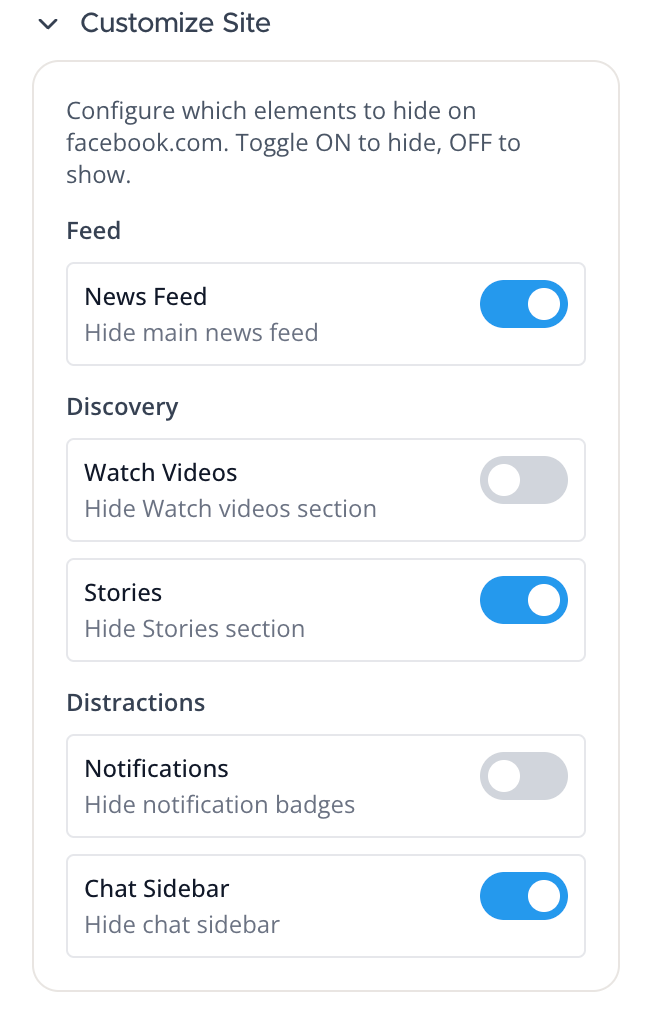
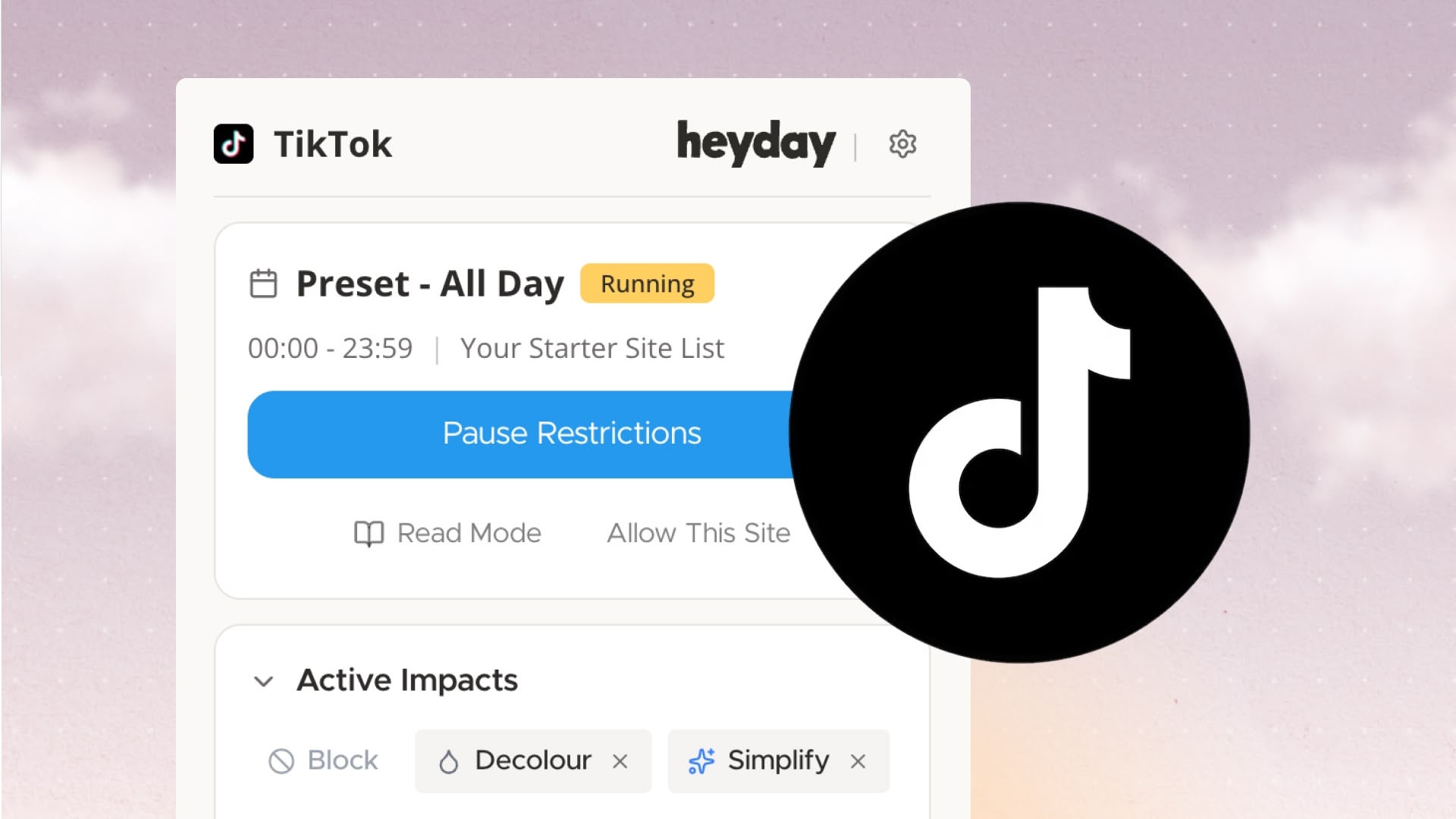
Step 3: Choose your impacts
Step 4: Set schedules (optional)
What happens:
When you visit Facebook, the newsfeed is automatically hidden. Groups, Marketplace, Events, Messenger, and profile management all work normally. The main feed, suggested content, and algorithmic recommendations don't load.
Why Heyday:
Heyday's advantage is persistence and scheduling. Your rules stay active across all browsing sessions, and you can set different behaviors for different times of day. Unlike manual methods, you don't need to repeat steps every time you visit Facebook.
Heyday also gives you the same controls across Instagram, YouTube, Twitter, and other platforms—so if you're addressing distraction broadly, not just Facebook, you get unified settings instead of managing separate tools.
The simplest approach requires no installation at all—just discipline.
Create bookmarks that bypass the feed:
Set your default:
Make one of these your Facebook bookmark. When you click it, you'll land directly on Groups or Marketplace instead of the newsfeed.
The limitation: This doesn't prevent you from navigating to the feed manually. It creates friction but doesn't enforce it. If you have the discipline to stick with it, this method works. If you find yourself clicking over to the feed anyway, Heyday's automated approach is more effective.
The first time you open Facebook without the newsfeed, it feels empty. That's intentional.
You'll notice:
Some people describe it as Facebook becoming "boring." That's not quite right. Facebook becomes functional—a tool for specific purposes rather than an attention trap.
After a week, most people report:
The feed's absence creates space. That's the point.
Removing the feed is one lever. You can add others:
Grayscale — Makes Facebook visually less appealing. Heyday supports this, or use system-wide grayscale on Mac (Accessibility settings) or Windows (Color filters).
Time limits — Set daily caps on Facebook usage. Heyday allows this, or use Screen Time (Mac) or built-in browser settings.
Scheduled access — Only allow Facebook during specific hours. Heyday's schedules make this straightforward.
Remove Reels and suggested content — Eliminate other algorithmic rabbit holes beyond just the main feed.
The more friction you add, the less automatic your usage becomes. That's not punishment—it's protection.
Facebook's business model is advertising. The longer you scroll, the more ads you see, the more money Facebook makes. The newsfeed is engineered to maximize time-on-platform.
You are not the customer. Advertisers are. Your attention is what's being sold.
Removing the newsfeed isn't about willpower failure or internet addiction. It's about recognizing how the system works and deciding which parts serve you.
Facebook can still be useful—for Groups, Marketplace, Events, Messenger. These are legitimate tools. But the newsfeed? That's designed for Facebook's benefit, not yours. It's not all-or-nothing. The false choice is "use Facebook fully or delete it entirely." The real choice is: use the parts that serve you, remove the parts that don't.
You can stay connected to your neighborhood group without scrolling past inflammatory posts. You can sell furniture on Marketplace without seeing suggested content. You can RSVP to events without falling into an engagement loop.
Facebook minus the newsfeed is a different product. It's the product Facebook would be if it wasn't optimizing for ad revenue. Try removing the feed for a week and see what changes. Most people find they don't miss it. The utility remains. The time sink disappears.
If removing Facebook's newsfeed helped, consider what other platforms might benefit from similar treatment: Instagram's Explore tab and Reels, YouTube's recommendations and Shorts, Twitter's algorithmic timeline. The same principles apply everywhere—identify what you actually want from the platform, remove the elements designed purely for engagement, and use what remains with intention.
Install Heyday to get started.
Take control of your online experience. Remove distractions, set boundaries, and browse with intention—on your terms.


.png)