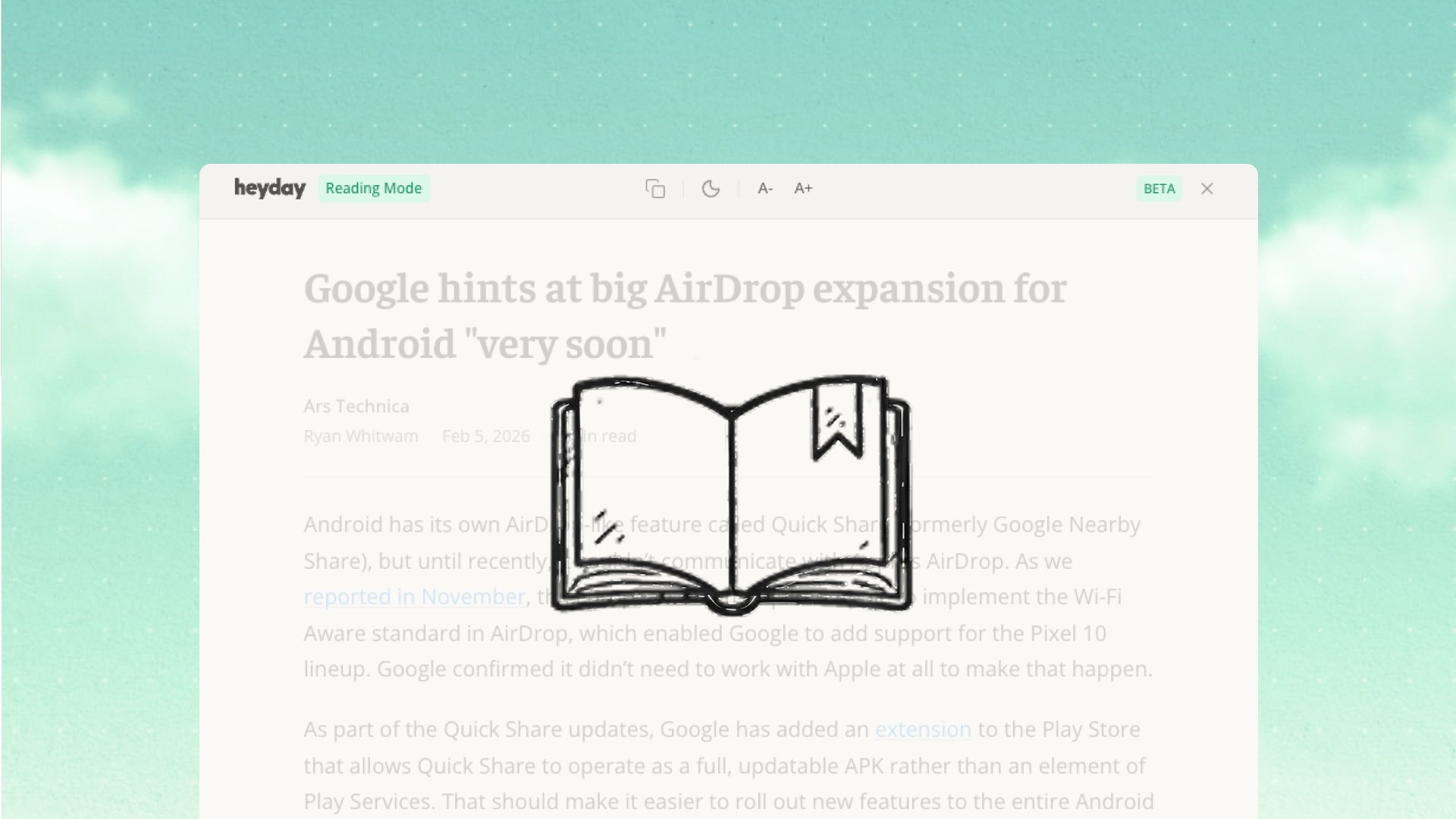
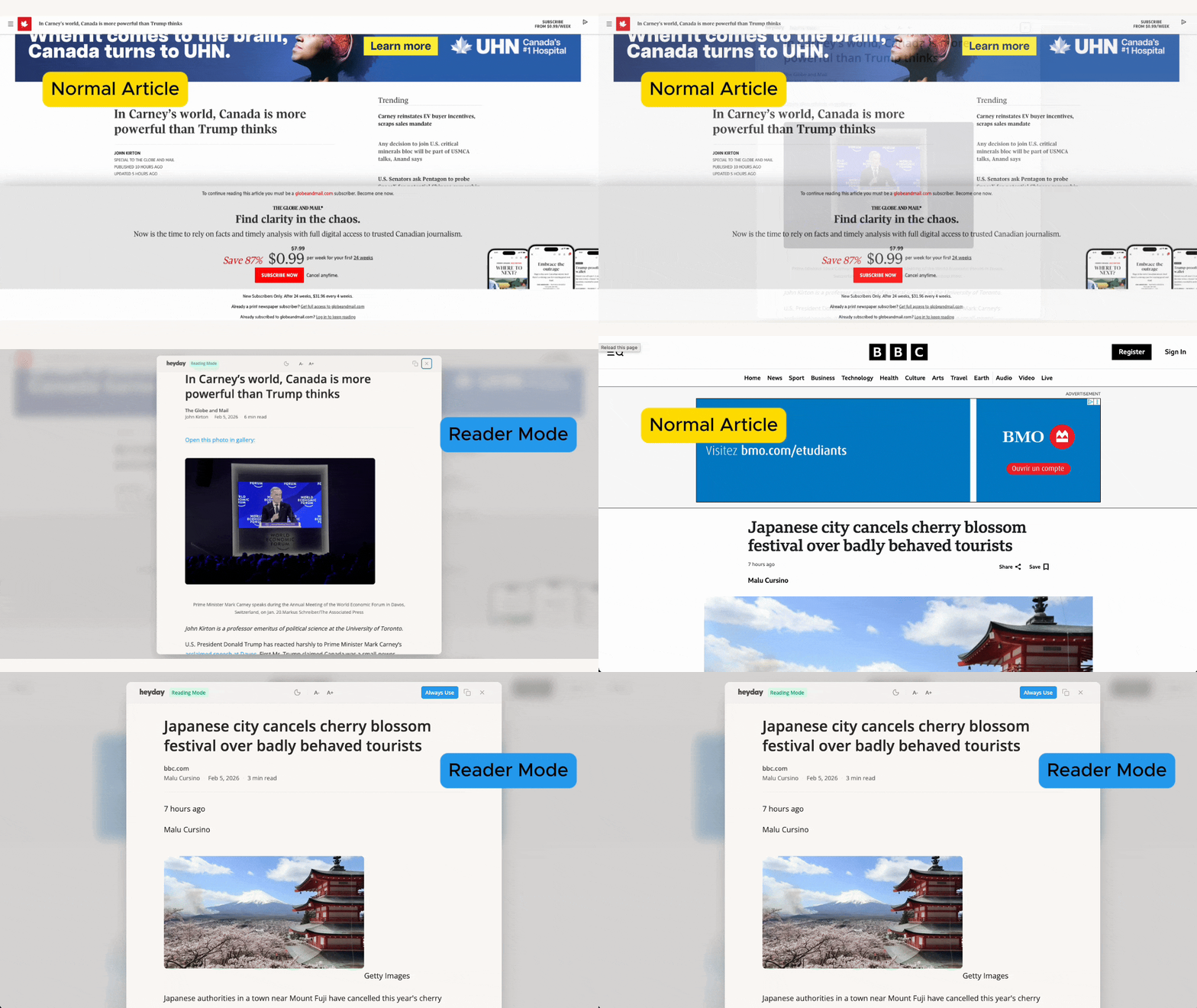
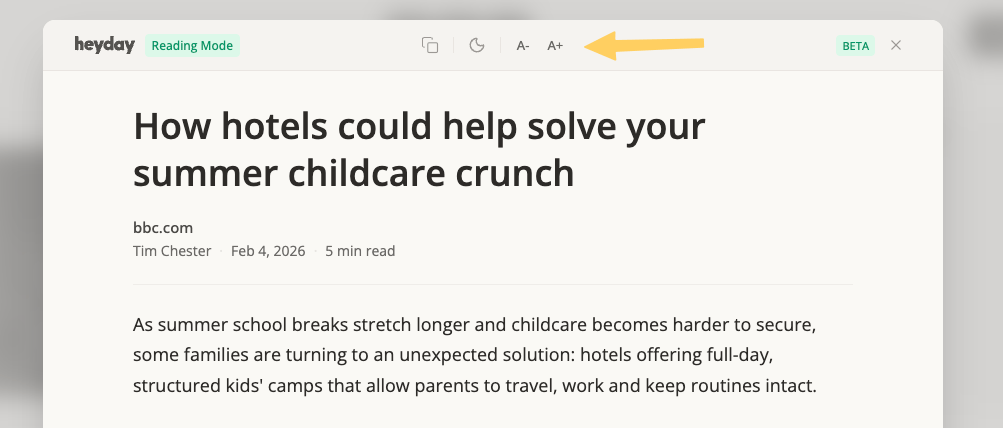
Reader Mode is a new Heyday impact that pulls article content into a clean, distraction-free overlay. No ads. No sidebars. No algorithmic clutter.
You can set it to activate automatically on sites you choose, or launch it manually from the popup whenever you need it.
This feature is in BETA which means it might have some rough edges. With your help, we'll stamp them out quickly. Click here to submit feedback or email us at hello@heydayfocus.com.
Reading Impact
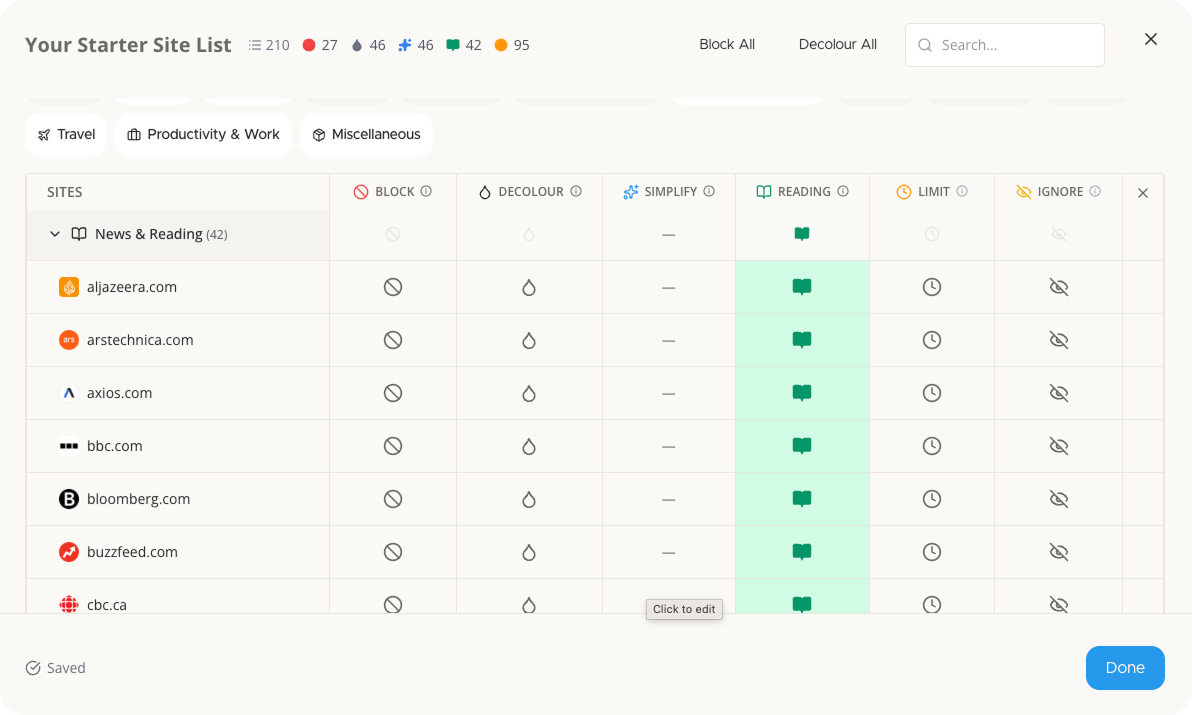
A new column in Site Lists lets you enable Reading Mode for specific sites. When active, articles load in the reader automatically—based on your schedules.
Manual Trigger
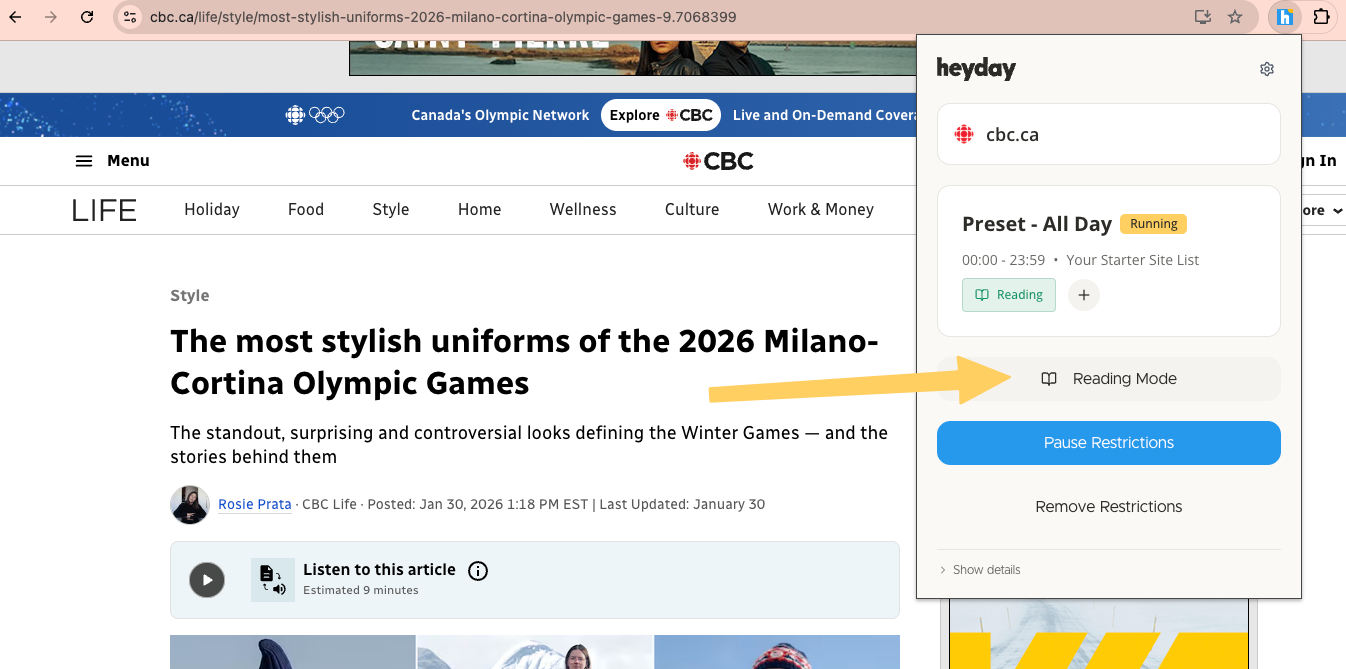
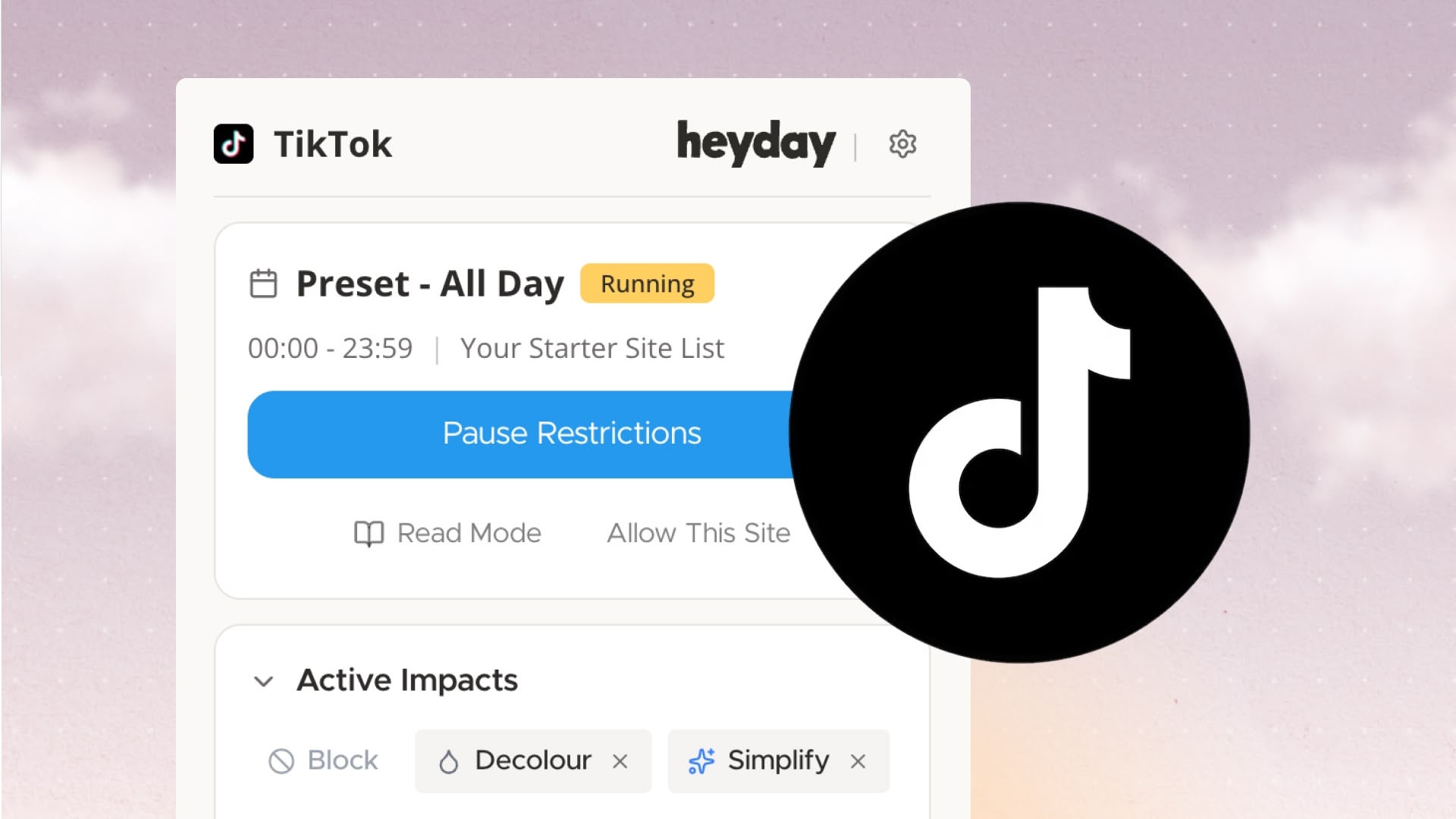
Click "Reading Mode" in the popup to extract the current page on demand. Works on most article pages.
Clean Interface
Light or dark theme. Text size controls. Copy article text. Press Esc or click X to close and return to the original page.
Smarter Detection
Reader Mode now waits for content to fully load on single-page apps and modern news sites. It also skips homepages, category pages, and other non-article layouts to avoid false positives.
Automatic Mode
Go to Options → Site Lists. Enable the Reading impact for any site list. Articles on those sites will open in Reader Mode during active schedules.
Manual Mode
Open the popup on any page. Click Reading Mode to extract the article. If extraction isn't possible, the page stays unchanged.
"Always Use" Button
Inside the reader, you can enable Reading Mode for that site going forward. It gets added to your first active schedule (or your first site list if no schedule is running).
Inside the Reader
A- / A+ to adjust text sizeEsc or X to close
Click here to submit feedback or email us at hello@heydayfocus.com.
Take control of your online experience. Remove distractions, set boundaries, and browse with intention—on your terms.



.png)